Adding Security Authentication to Eureka - Method 1: Using Spring Security (2022 Latest Version)
1. Using Spring Security
A ready-made demo is available for download: https://github.com/MingGH/demo-eureka-server-auth
The dependency versions used in this code are as follows:
| spring-boot-starter-parent | 3.0.1 |
|---|---|
| spring-cloud.version | 2022.0.0 |
| java.version | 17 |
Let's begin with the steps:
1.1 Add Spring Security Dependency in pom.xml
<dependency>
    <groupId>org.springframework.boot</groupId>
    <artifactId>spring-boot-starter-security</artifactId>
</dependency>
1.2 Add Login and API Request Credentials in YAML Configuration
server:
  port: 5005

spring:
  application:
    name: demo-eureka-server-auth
  security:
    user:
      name: develop # username
      password: develop # password
eureka:
  instance:
    hostname: localhost
    appname: ${spring.application.name}
  server:
    enable-self-preservation: true
    eviction-interval-timer-in-ms: 4000
  client:
    registerWithEureka: true # Set to true to register the current project with the registry, saving the need to create a separate client project
    fetchRegistry: false
    service-url:
      defaultZone: http://${spring.security.user.name}:${spring.security.user.password}@${eureka.instance.hostname}:${server.port}/eureka # This has been modified, the corresponding content is: http://develop:develop@localhost:5005/eureka
  environment: dev
Key configurations to note:
spring.security.userusername and passwordeureka.client.registerWithEureka=true- Set to true to register the current project with the registry, saving the need to create a separate client projecteureka.client.service-url.defaultZone=http://${spring.security.user.name}:${spring.security.user.password}@${eureka.instance.hostname}:${server.port}/eureka- Special configuration fordefaultZonebecausespring.securityrequires credentials to authorize requests to the corresponding endpoints
1.3 Disable CSRF in Spring Security
Create a new WebSecurityConfig and inject it into the Spring container:
import org.springframework.context.annotation.Bean;
import org.springframework.context.annotation.Configuration;
import org.springframework.security.config.annotation.web.builders.HttpSecurity;
import org.springframework.security.config.annotation.web.configuration.EnableWebSecurity;
import org.springframework.security.web.SecurityFilterChain;

@Configuration
@EnableWebSecurity
public class WebSecurityConfig {

    @Bean
    public SecurityFilterChain filterChain(HttpSecurity http) throws Exception {
        http.csrf().disable()
                .authorizeRequests()
                .anyRequest()
                .authenticated()
                .and()
                .httpBasic();
        return http.build();
    }
}
Don't forget to add the annotation @EnableEurekaServer to your main class!
1.4 Test Results
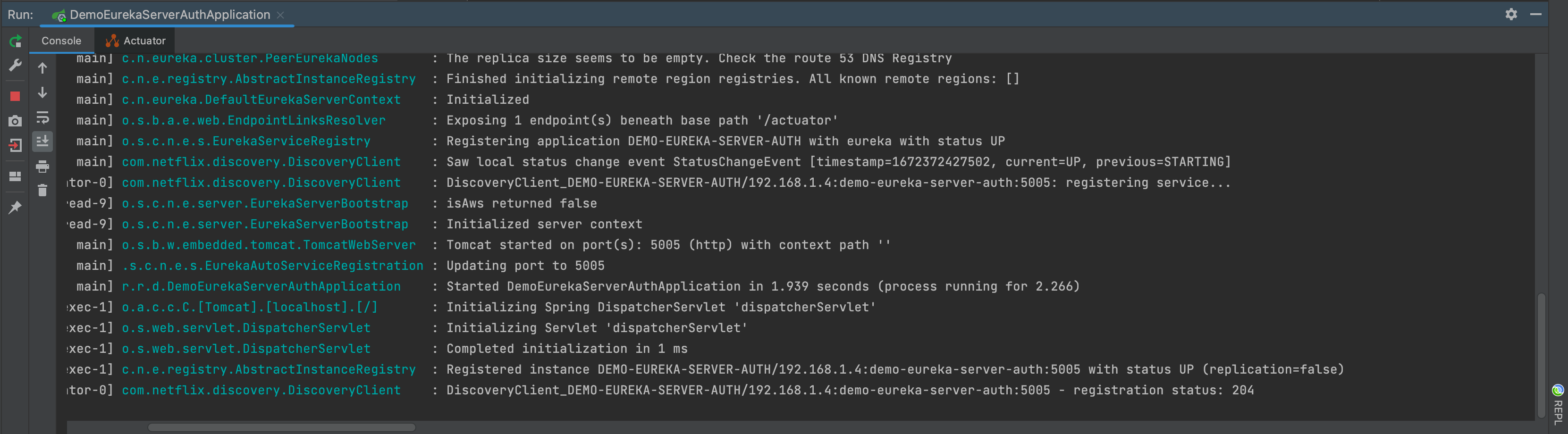
Startup is normal
The dashboard also looks normal - successfully registered itself
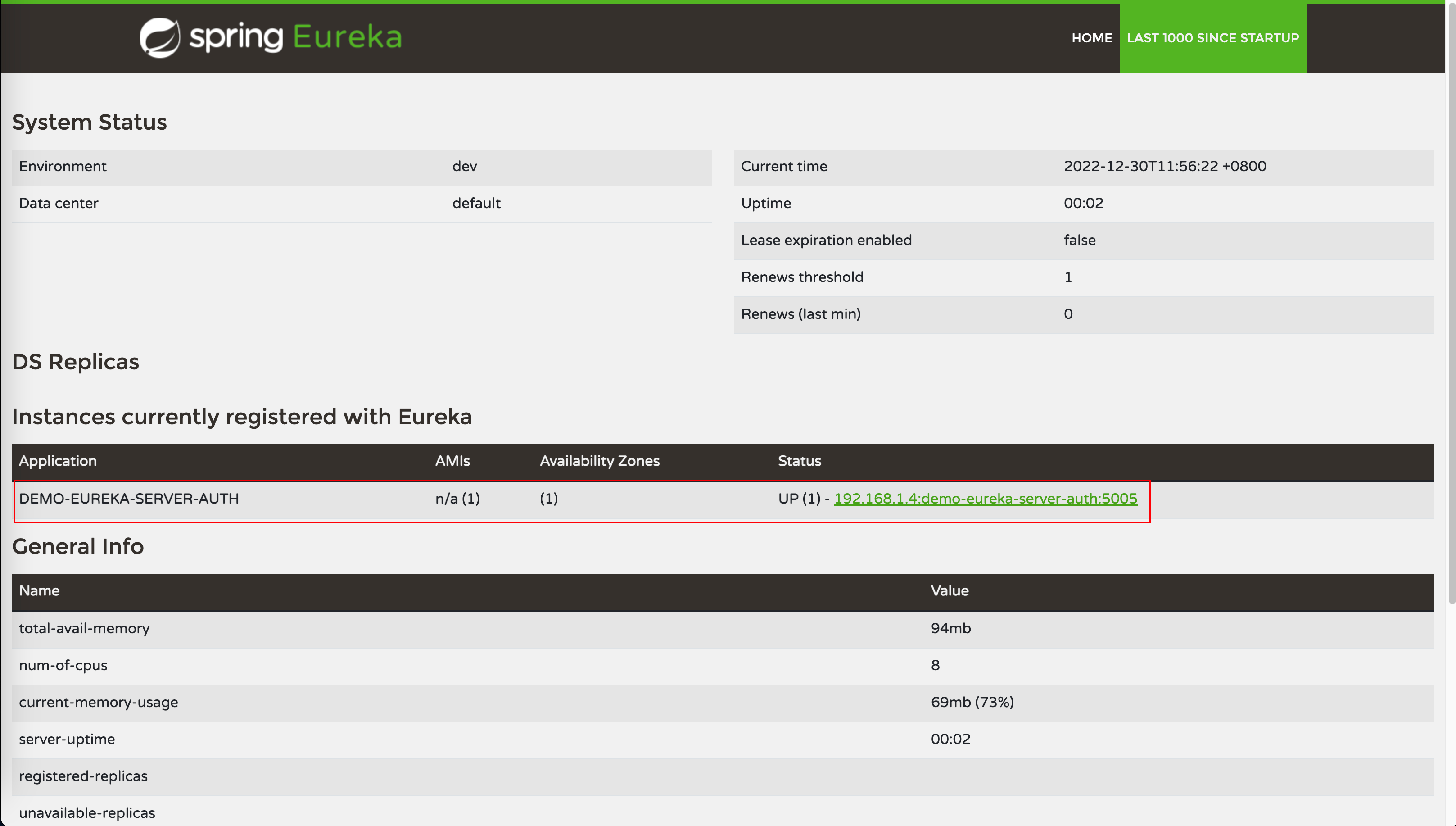
Mission accomplished!