FineReport Can Connect to Database but Query Throws Communications Link Failure Error
Database Version Issue
Check whether the database version is MySQL 5 or MySQL 8.
If it's MySQL 8, you need to:
Place the MySQL 8 jar file into FineReport's installation directory at FineReport_9.0\WebReport\WEB-INF\lib
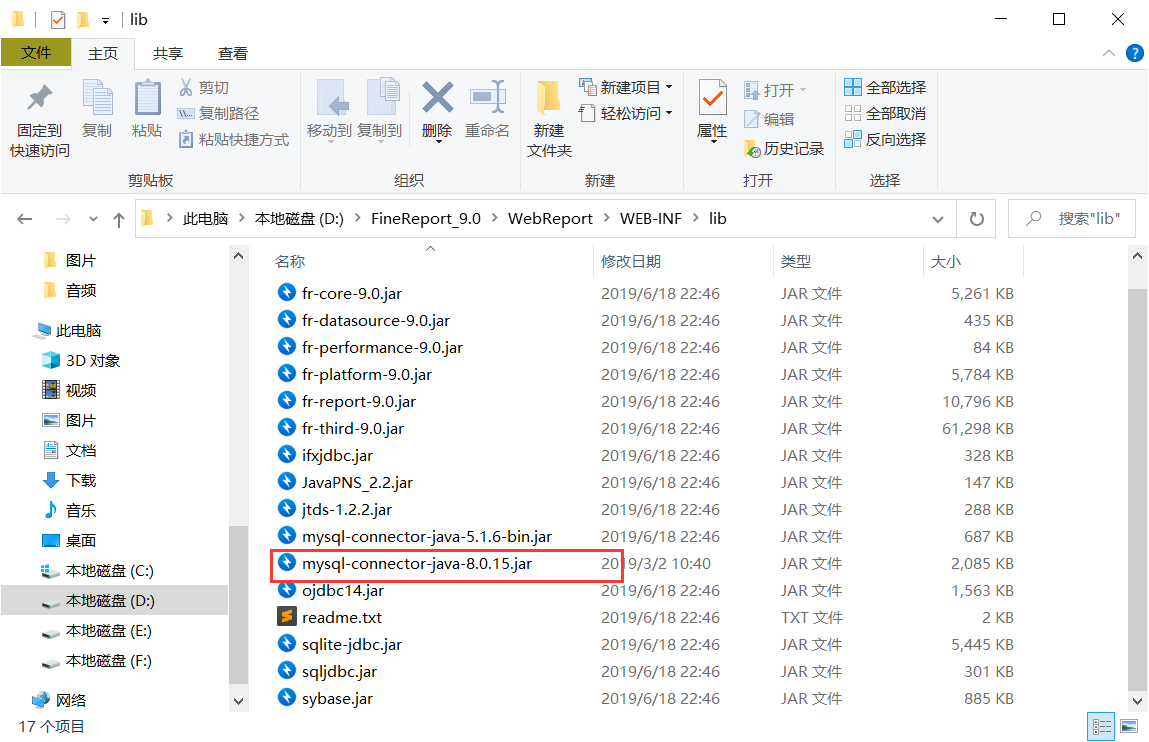
Then go into FineReport and change the driver connection string to com.mysql.cj.jdbc.Driver
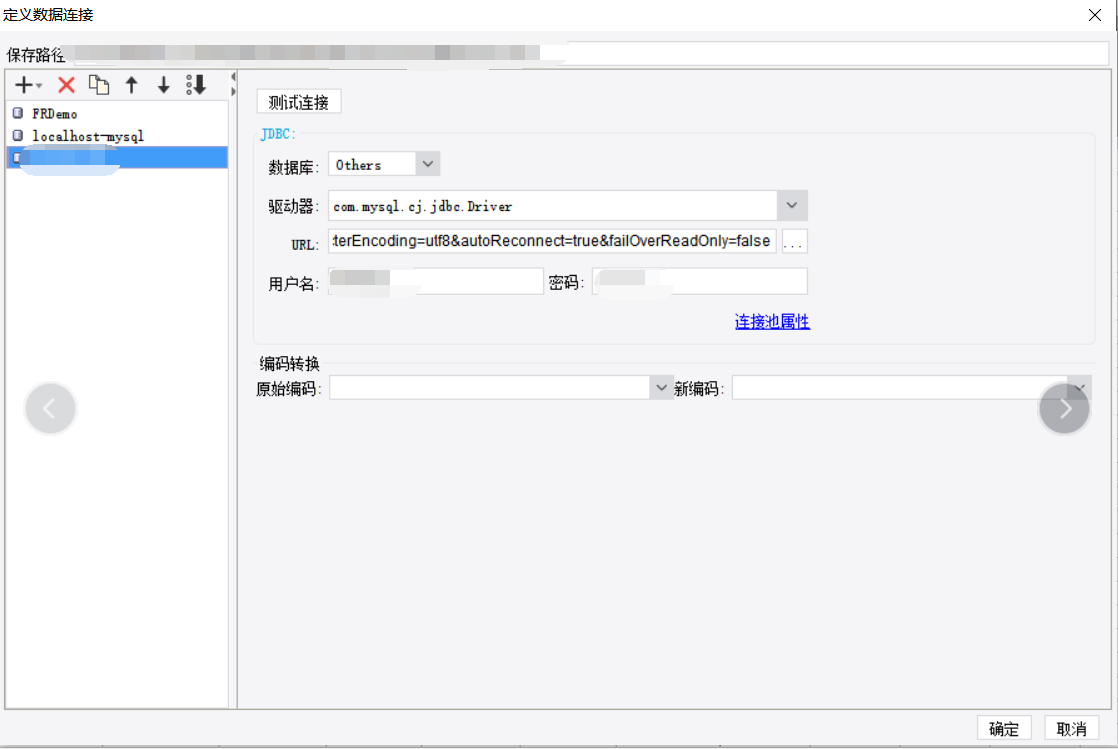
Click query again and you should see the query working normally.
Database Connection Issue
First ensure the connection information is correct.
You can try adding parameters to the database URL.
Add to the jdbcURL:

Some characters get escaped by the blog backend, so I'm using an image instead.