About the Leakage of Default Administrator Account and Password of Mobile Broadband Gateway, Please Check Yourself
If you also have Mobile Broadband at home, and the gateway + router are provided by the operator, then congratulations, your account and password are very likely exposed on the Internet.
1. Introduction
I just installed Mobile Broadband a few weeks ago, but the router function uses the gateway provided by the installer directly. There was nothing abnormal during installation, and the mobile phone could connect to WIFI normally, but I couldn't connect via the network cable. When troubleshooting the problem, I needed to log in to the background. I ran a dictionary attack and found that it was not a simple password. I guessed whether there was a leaked password on the Internet. Sure enough, I found it as soon as I searched.
1.1 Search screenshot as follows
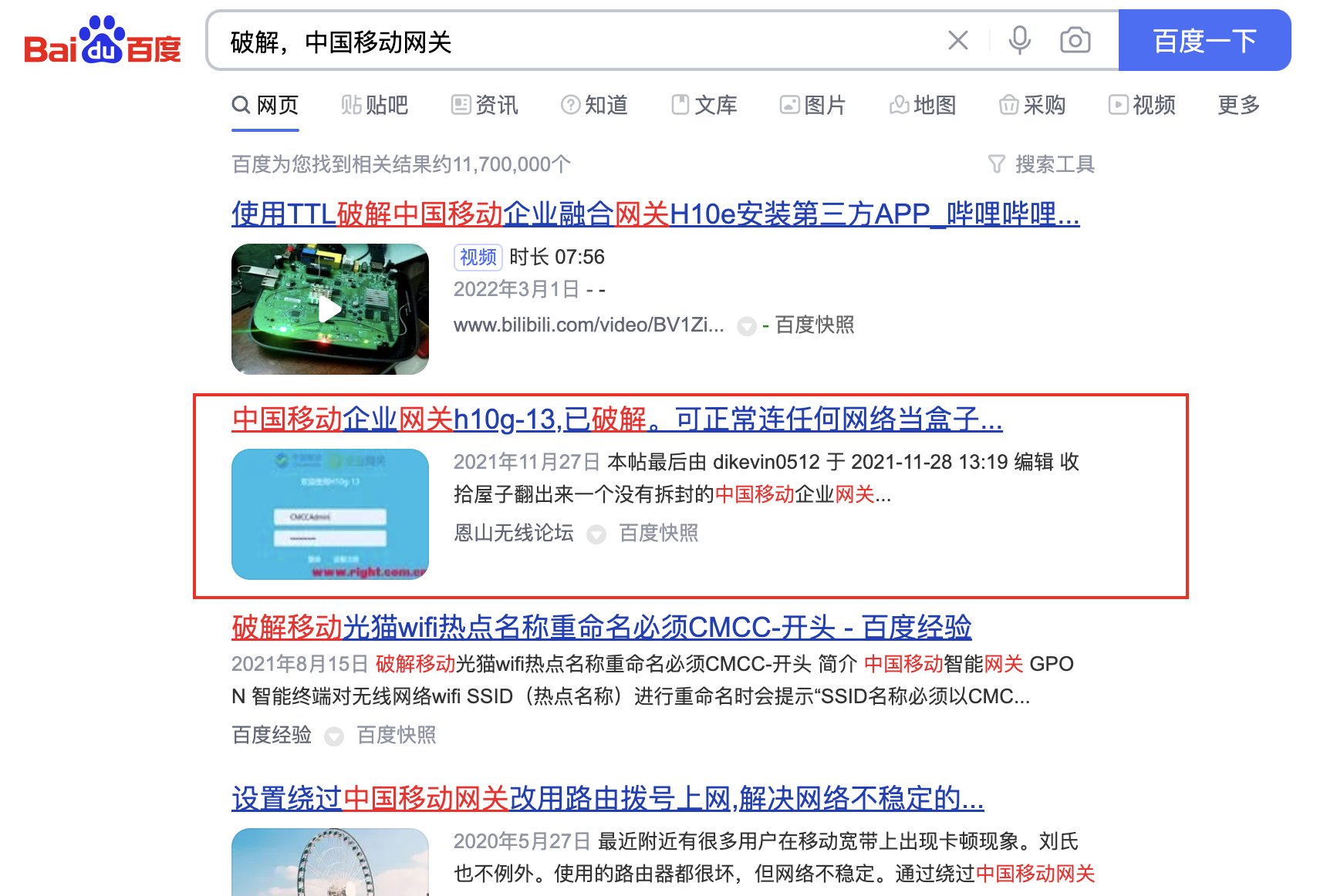 In the second post in Baidu search, the default account and password are directly included:
Original post: China Mobile Enterprise Gateway h10g-13, cracked. Can connect to any network normally and use as a box, with tutorial
From the time of the post, it was released on: 2021-11-27 19:39, and the gateway used for cracking in that forum was from 2019, which means that this account and password have been used from 2019 to now, undoubtedly posing a great security risk.
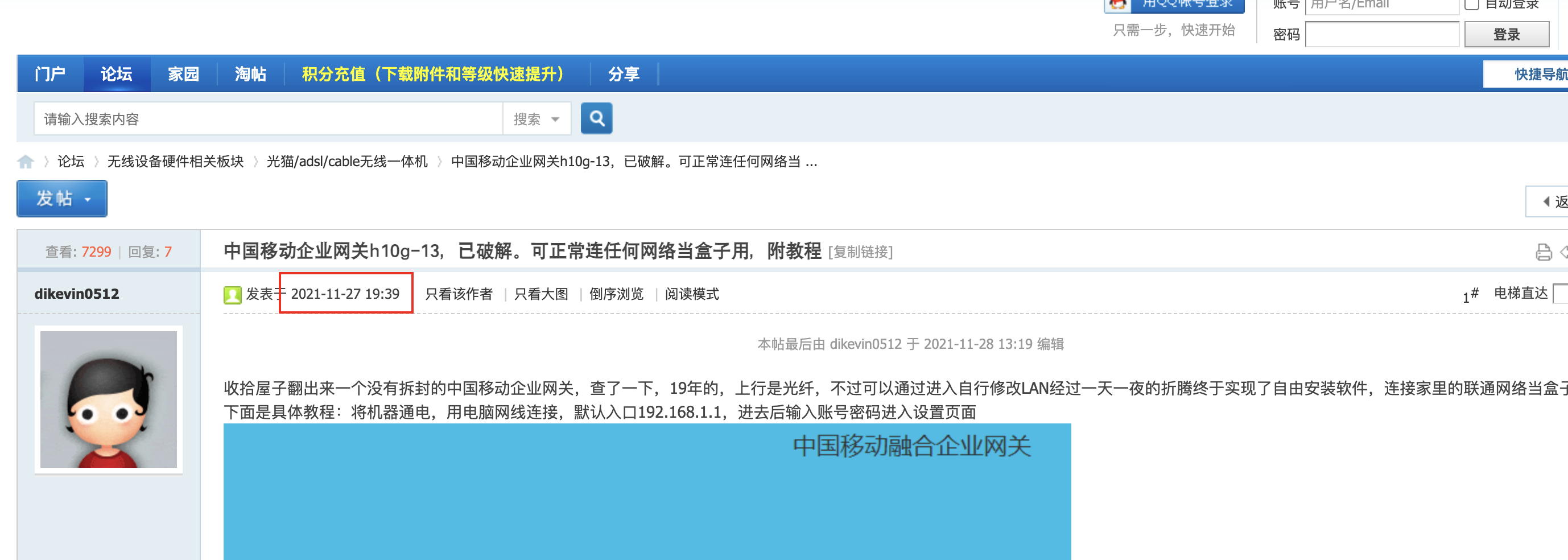
2. Check yourself if you can log in with the leaked password on the Internet
First connect your computer to your WIFI, then check the IP currently obtained by the computer, here take
Mac: Enter ifconfig | grep inet in the terminal, the one starting with 192 is usually the IP your computer obtained from the gateway.
Windows: Enter ipconfig in the cmd window to see it.
After getting the computer IP, you can access the gateway background login interface, which generally ends with .1. For example, if your IP is 192.168.1.8, then the gateway background is 192.168.1.1.
The login interface is related to the device firmware version, so I won't post a picture here. Then try to log in using the account and password mentioned in the post.
Account: CMCCAdmin

Password: aDm8H%MdA
If you can successfully log in to the background, it means that your gateway has a security risk of password leakage and needs to be changed.
3. Change Password
The way to change the password is also very simple. In the Management tab, set a new account and password. Remember to save your password first to avoid forgetting it.
4. WIFI can access the Internet, but network cable connection cannot access the Internet problem solution
At the beginning of this blog, I mentioned that I was trying to solve this problem. For the solution, please see this blog: Mobile Broadband WIFI can connect to the Internet, but the network cable cannot connect to the Internet solution