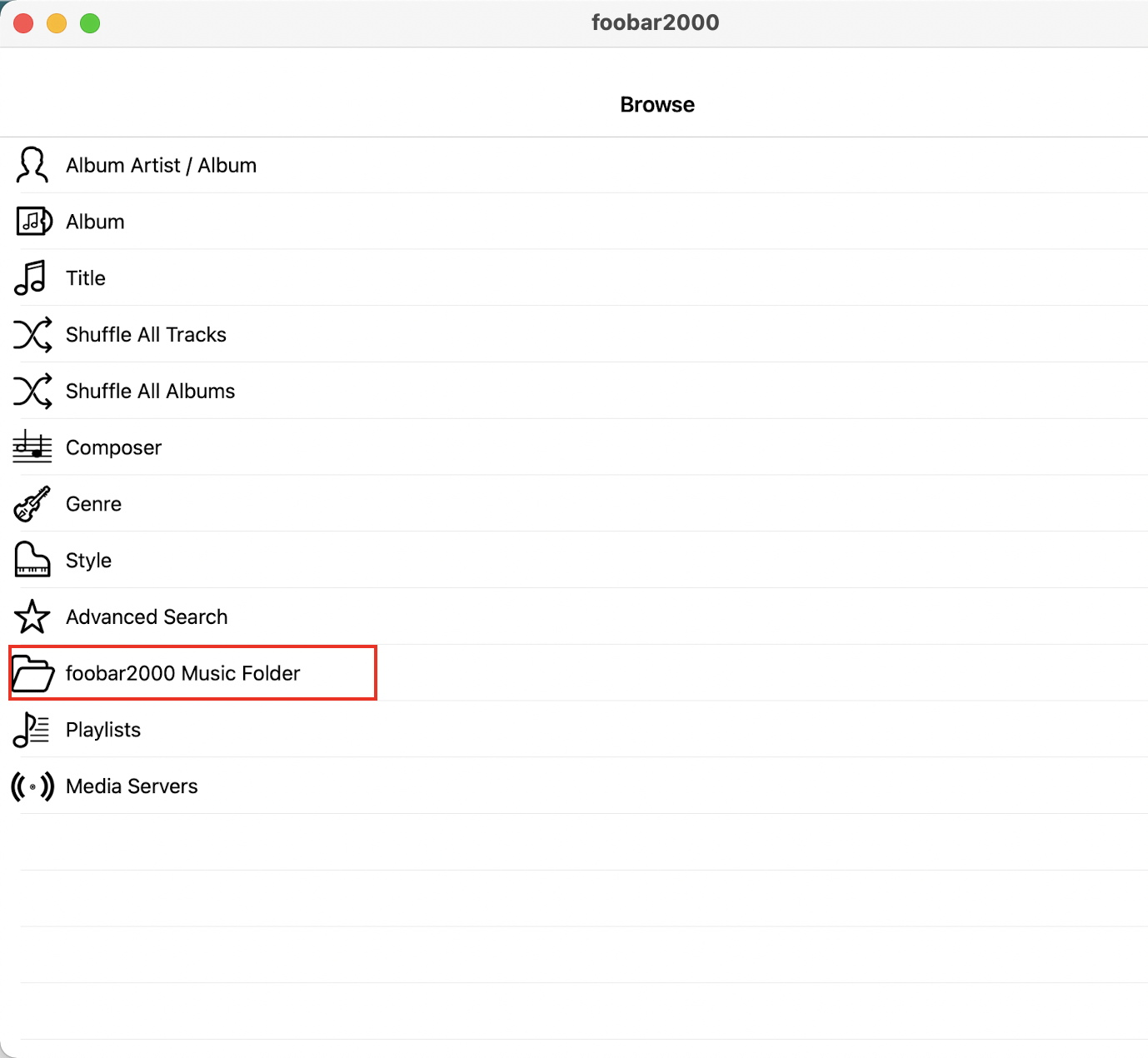
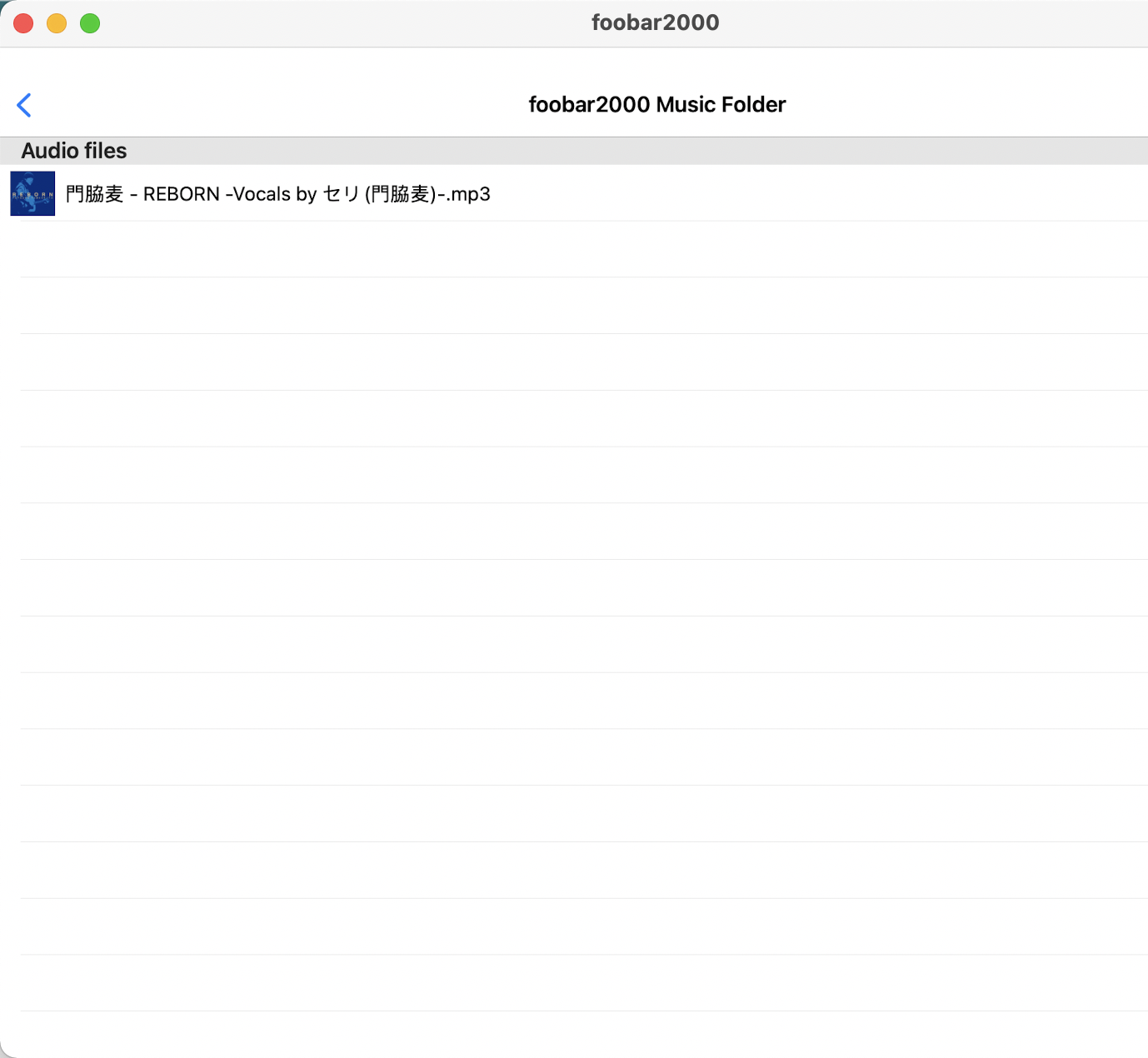
Transfer Songs to Foobar2000 on Mac
This post is finished: The Zhihu comment section provided a better method, go to the official website to download:
Address: foobar2000 for Mac
At this time, selecting a song's right-click menu will directly have 'Play with foobar2000'
----------------Here is the method of downloading from the app store to play-------------------- If it is on win computer, you can really just right-click and select to play. I didn't expect mac to be so troublesome. It may also be that I haven't found a better solution, so I recorded it.
Download foobar2000
Search for it on the app store and download it.
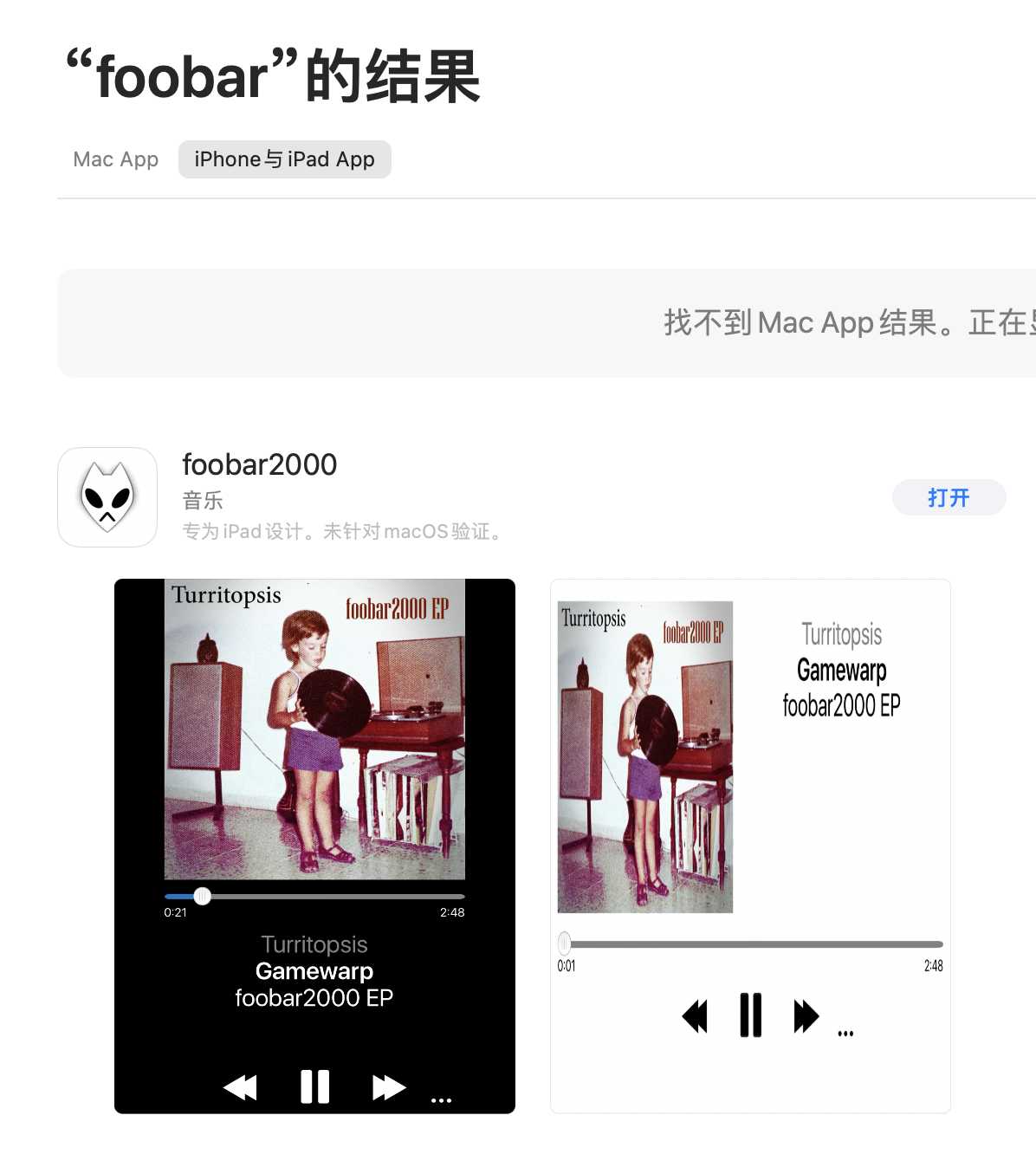
Open Foobar2000's FTP Server
After downloading, you will find that the playlist is empty.
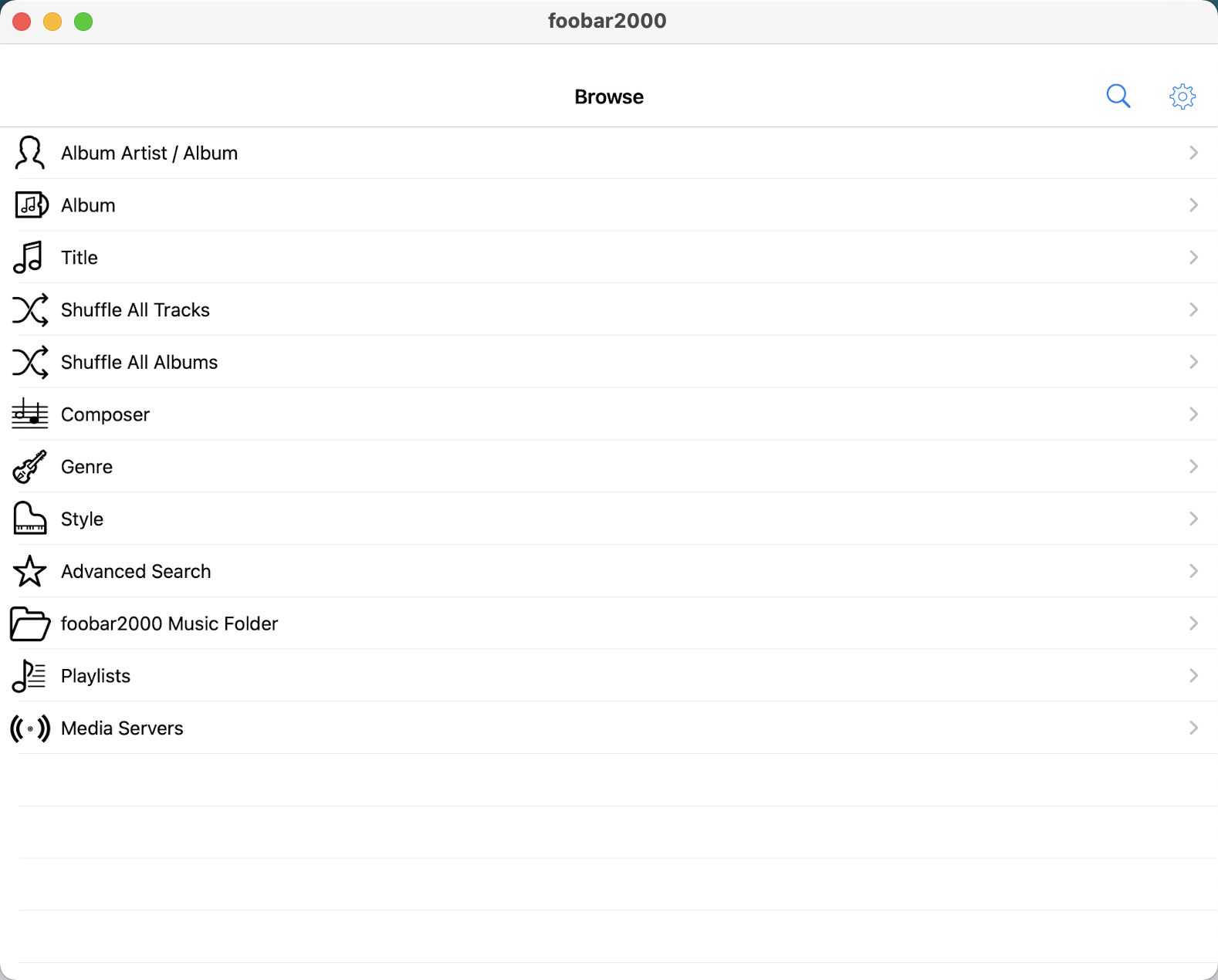
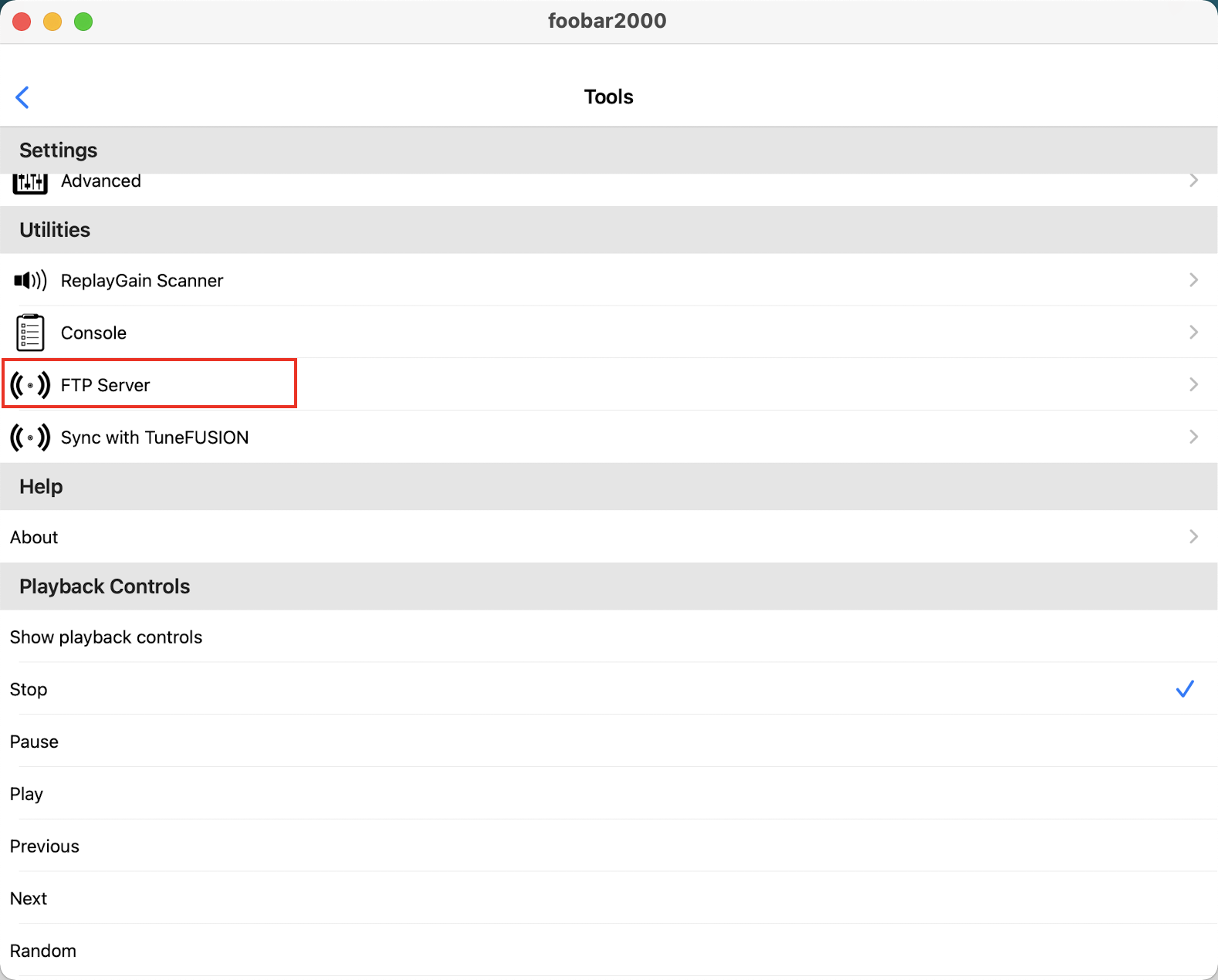
Click Settings in the upper right corner, then click FTP Server.
Then configure the account and password for FTP Server.
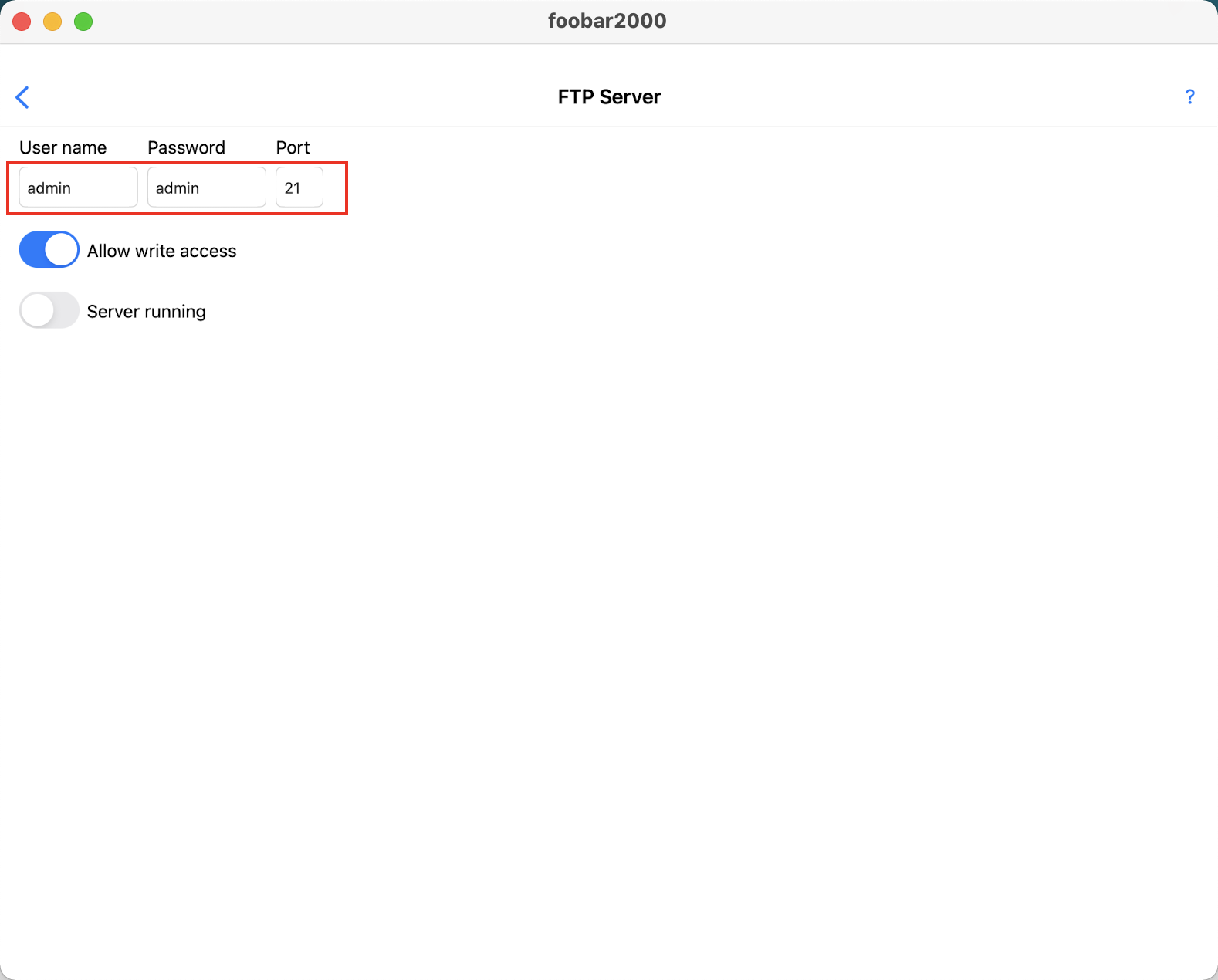
After configuration, click Server running at the bottom, do not close this interface.
Import Songs
At this point you also need a software Royal TSX.
Download address: https://www.royalapps.com/ts/win/download
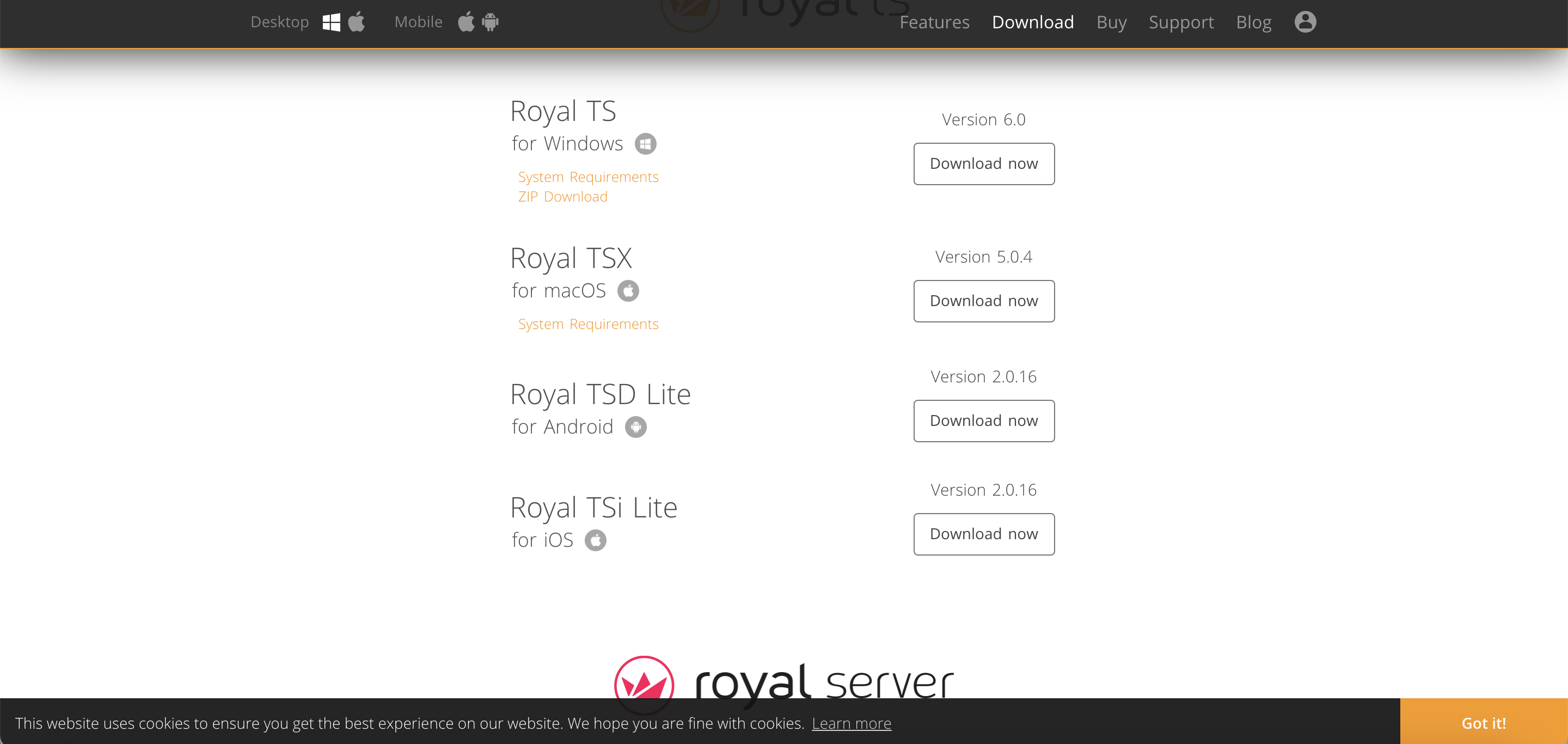
Select the macOS version to install.
Open Royal TSX
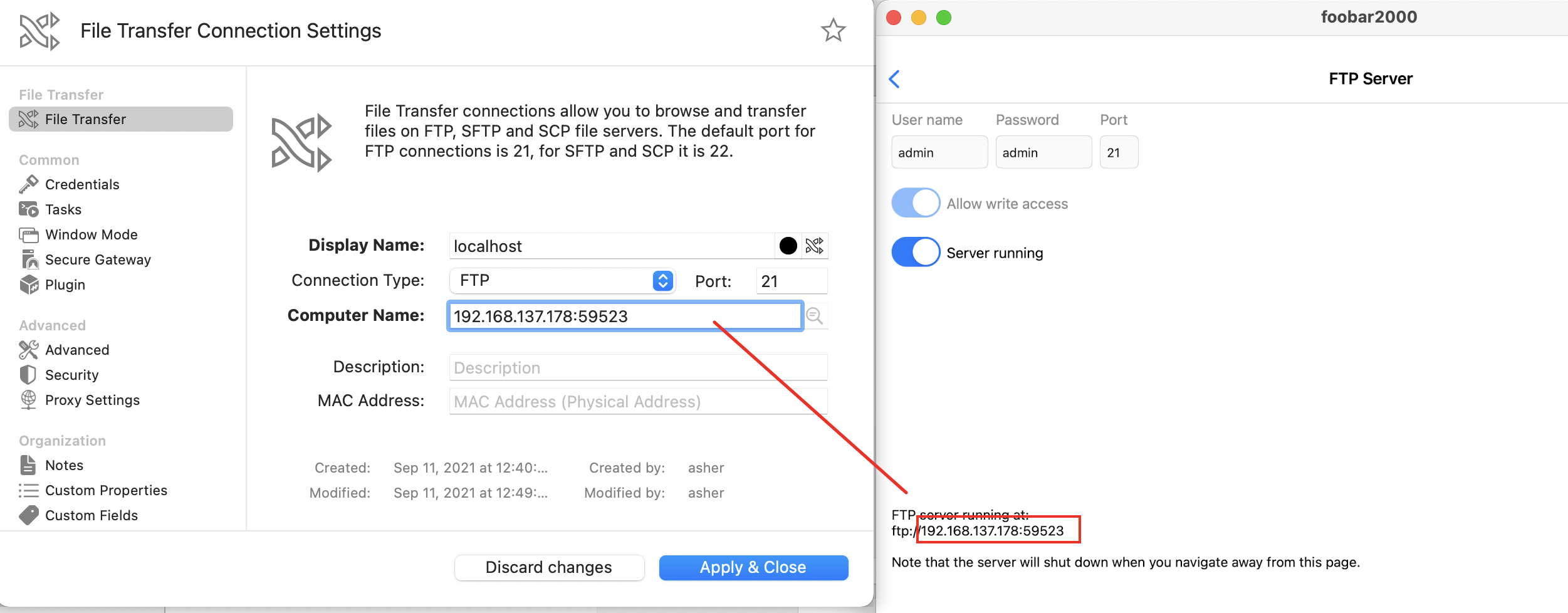
Right-click to create a new connection, select File Transfer.
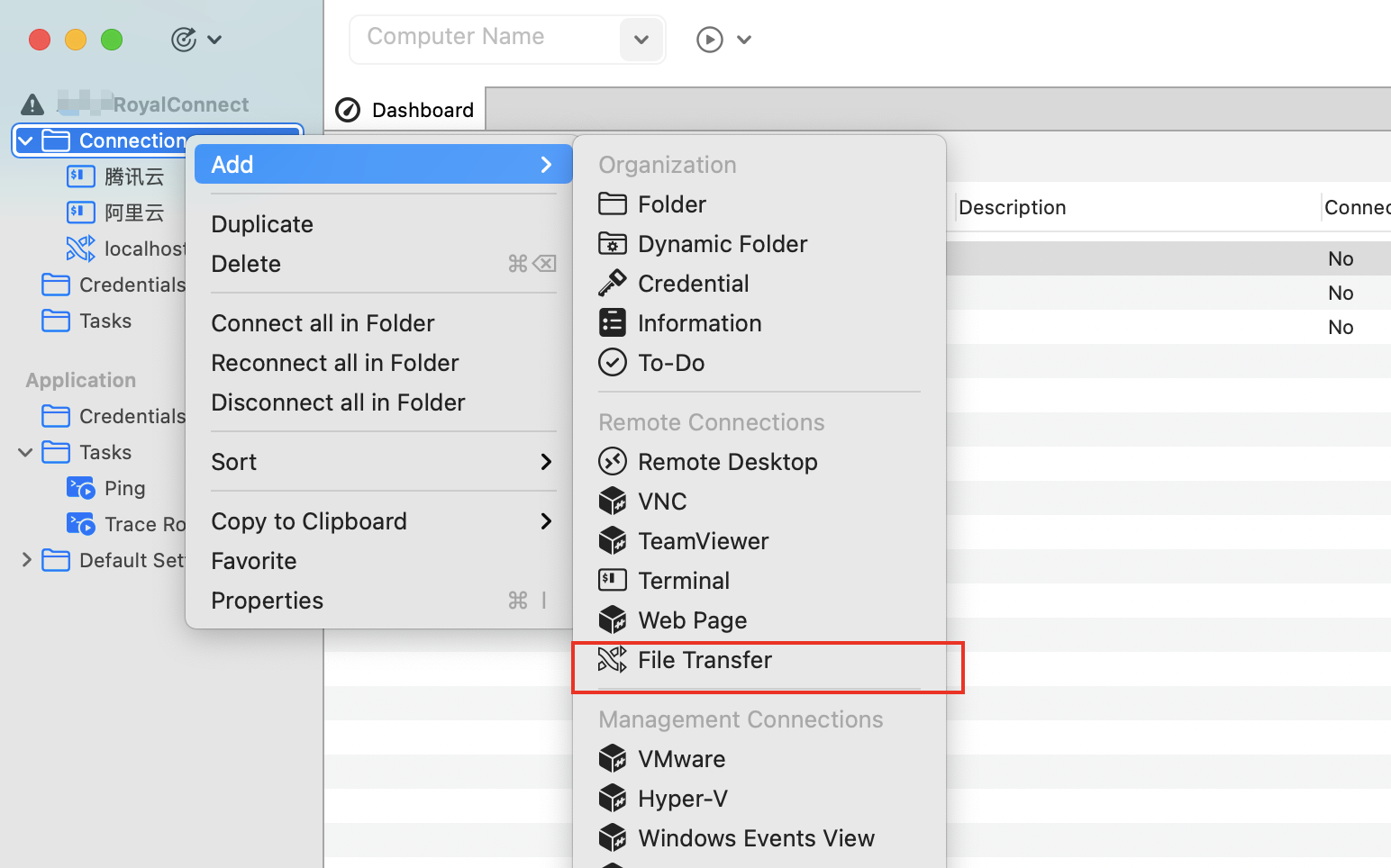 As shown below: fill in
 display name casually, fill in the ip of the FTP Server created on FooBar2000 before for Computer Name.
Then select Credentials on the left.
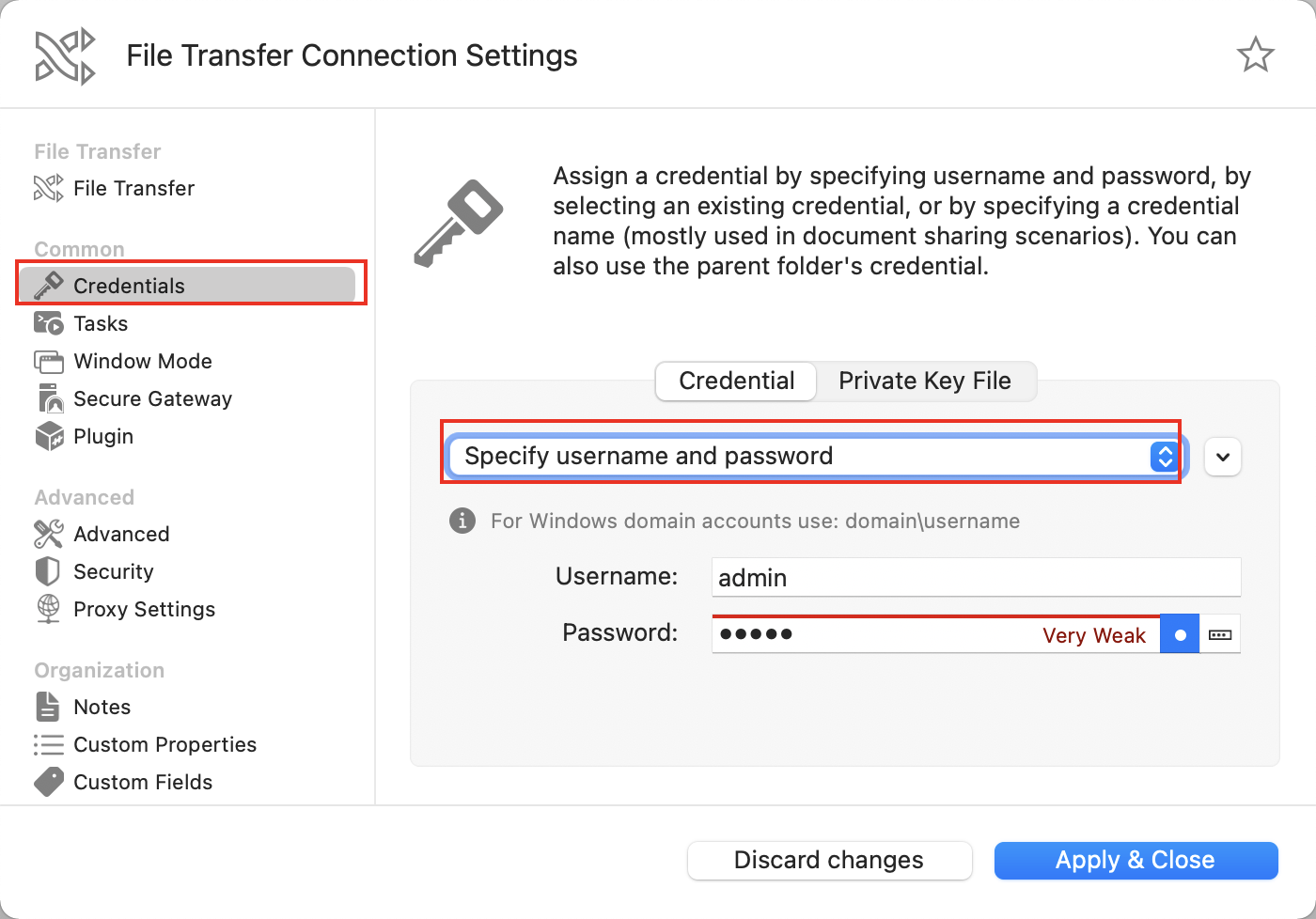
Enter the account and password, click Apple & Close in the lower right corner.
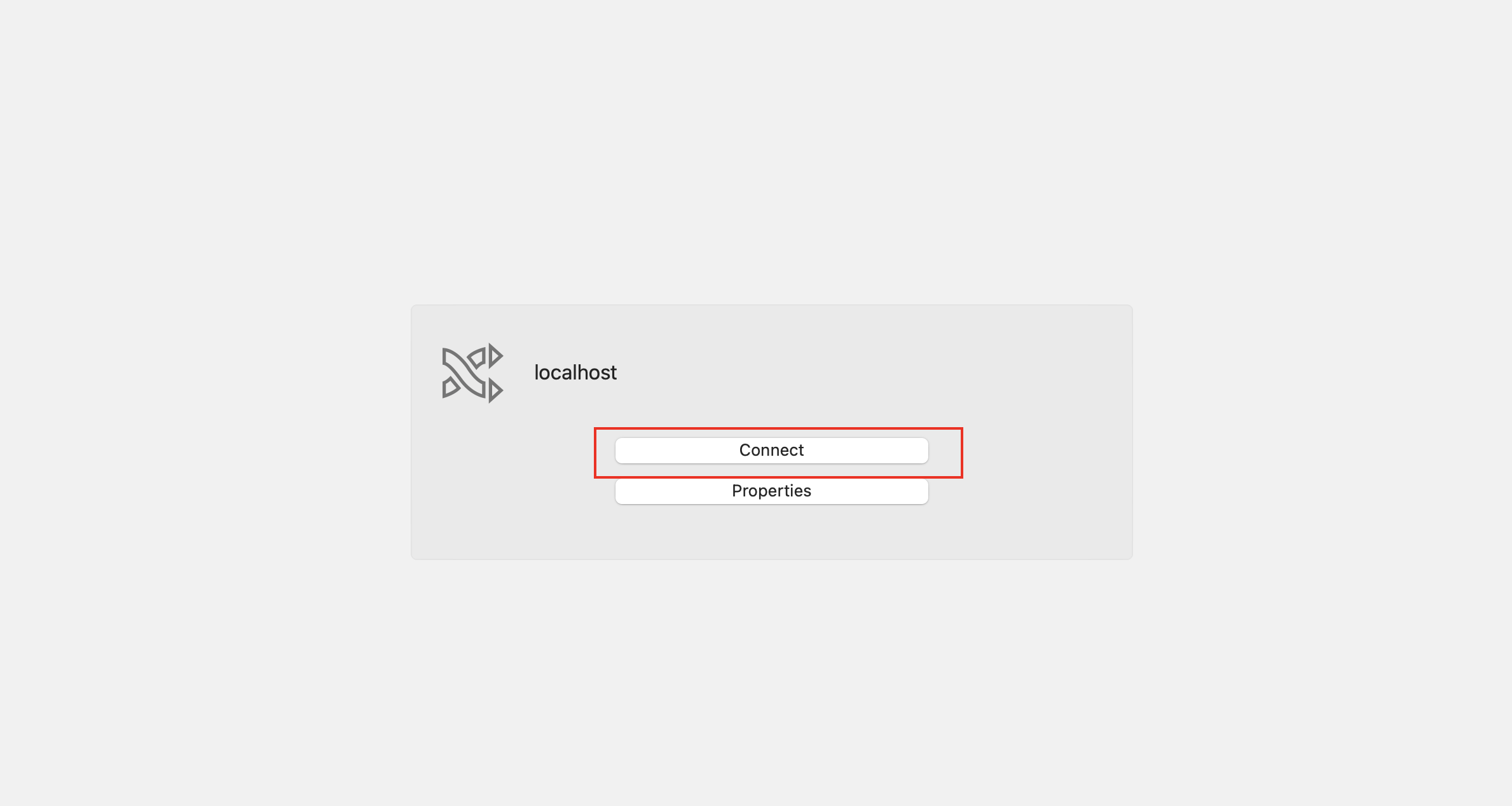
Return to the main interface of the software to connect.
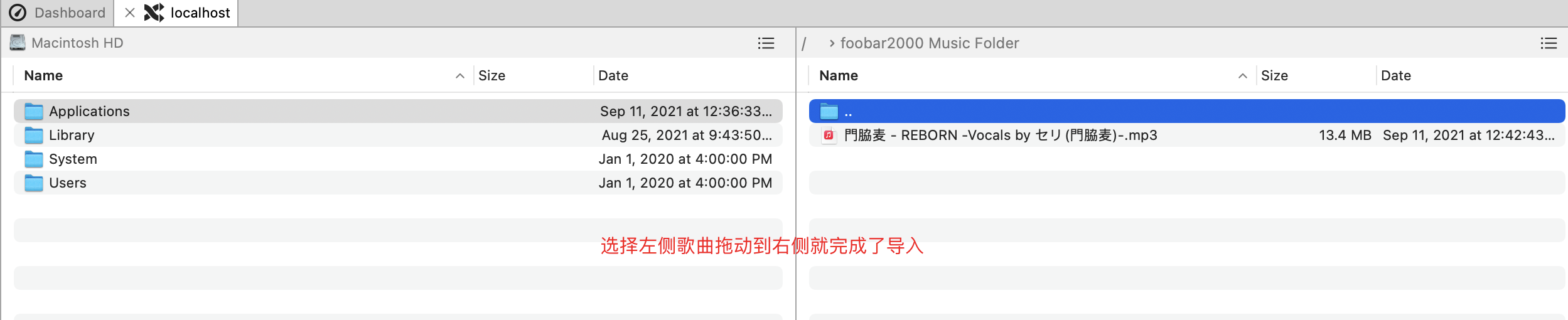
Upon successful connection, the software folder location will be displayed.
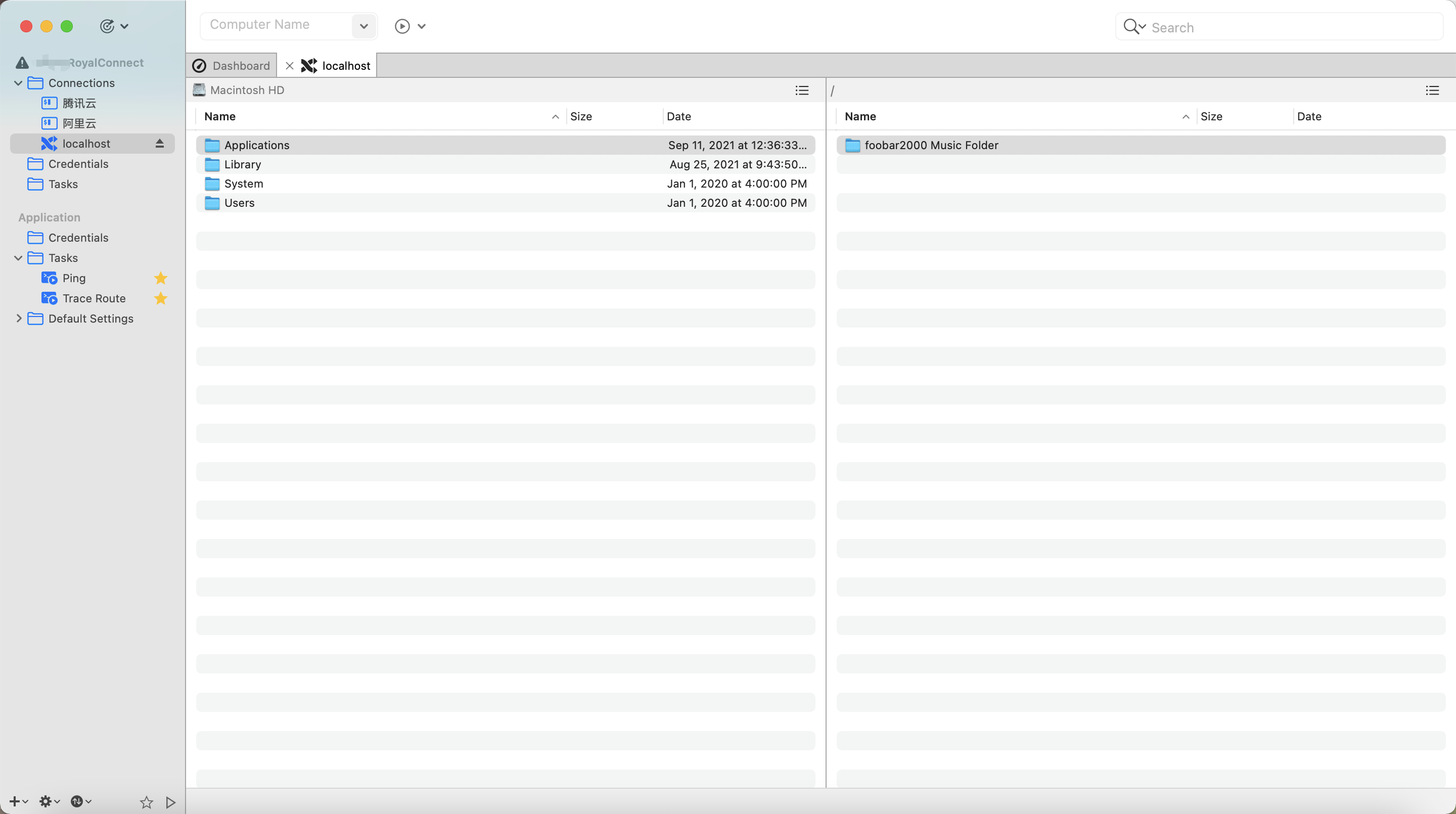
Click to enter the folder on the right display, then drag the songs on the left into the folder on the right to complete the import.
Go back to Foobar2000 and check if your songs are there.