Mounting Aliyun Drive on GNU/Linux
The need is for more cloud space for file sharing. Aliyun Drive has fast download speeds and affordable capacity - using it as a data disk would be great. It can meet many daily automation needs, which I won't elaborate on here.
What you need to know: Since WebDAV service is not an official service provided by Aliyun, how long this WebDAV service survives depends entirely on how long the officials are willing to turn a blind eye. It's recommended not to upload/download important workflows through this method.
1. Prerequisites
-
Assuming you know how to use WSL on Windows. If not, see:
-
Docker is already installed on your CentOS or Ubuntu system. If not, see:
2. Deploy aliyundrive-webdav via Docker
Get the author's latest updates from the GitHub page:
https://github.com/messense/aliyundrive-webdav
2.1 Get Your Refresh Token
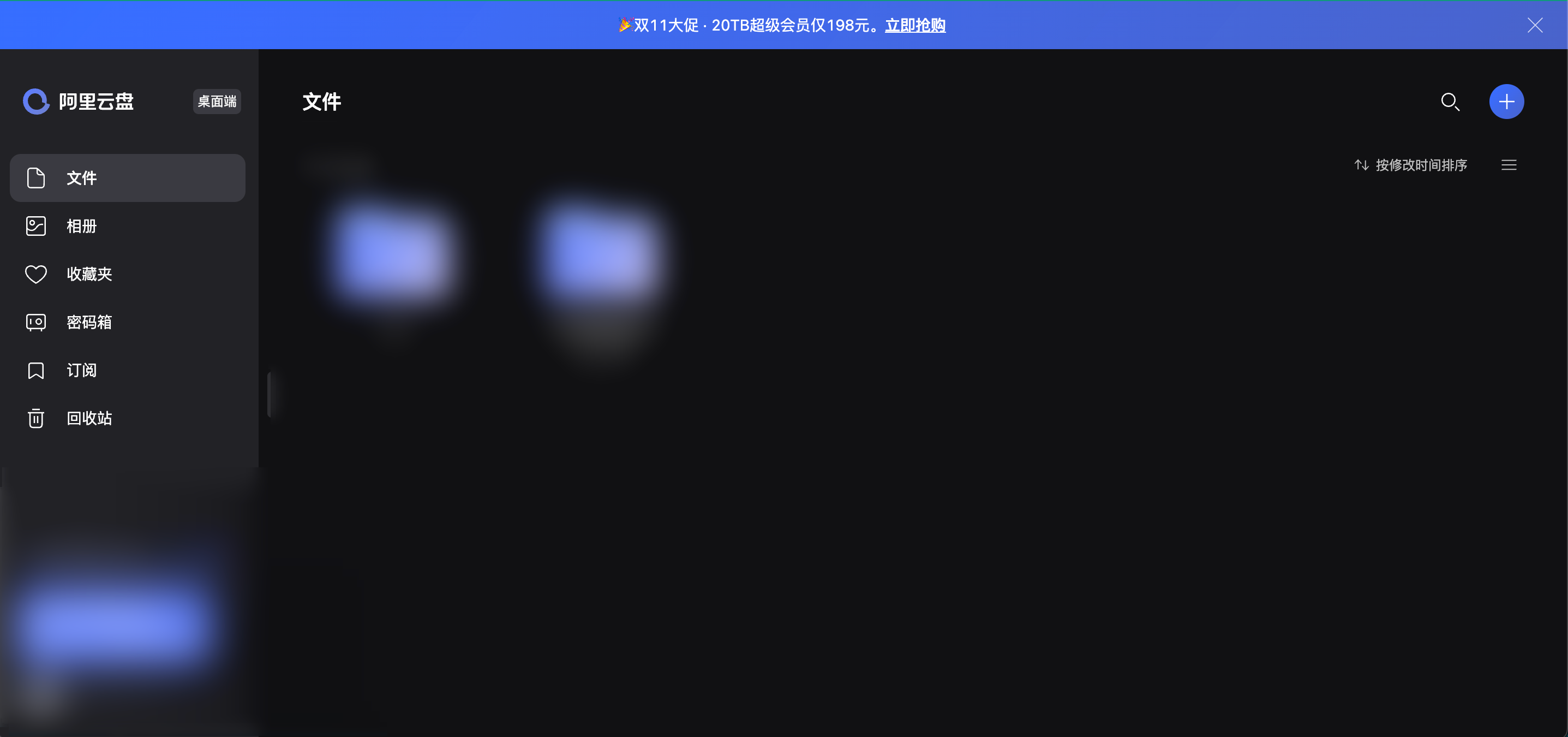
Open DevTools on the Aliyun Drive webpage:
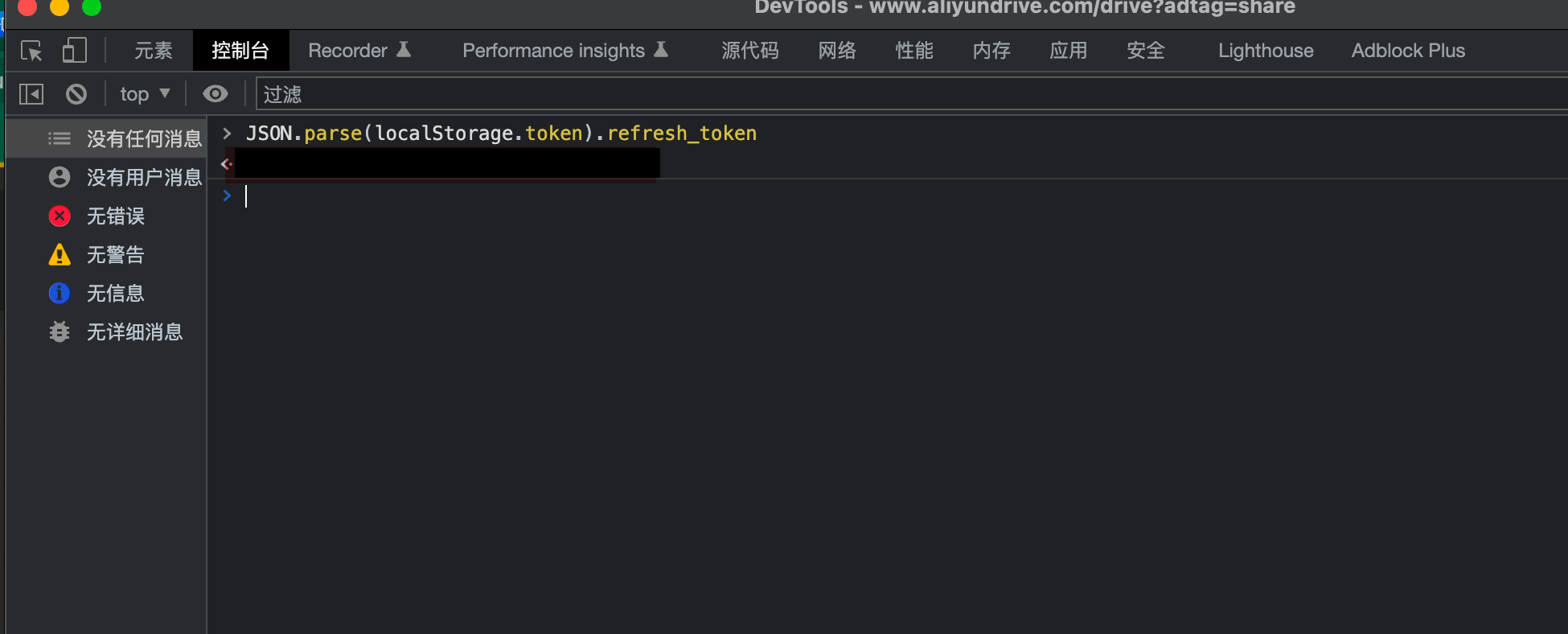
Enter JSON.parse(localStorage.token).refresh_token in the console to get your refresh_token:
2.2 Docker Command:
docker run -d --name=aliyundrive-webdav --restart=always -p 8080:8080 \
  -v /etc/aliyundrive-webdav/:/etc/aliyundrive-webdav/ \
  -e REFRESH_TOKEN='your refresh token' \
  -e WEBDAV_AUTH_USER="admin" \
  -e WEBDAV_AUTH_PASSWORD="password" \
  messense/aliyundrive-webdav
Create the corresponding directory on your GNU/Linux system:
/etc/aliyundrive-webdav/
Then fill in your refresh token in the above command, customize your password, and execute on your GNU/Linux system. It will automatically pull the image and deploy. After completion, open a browser and enter http://ip:port, enter username and password, and you can access the auto-generated index webpage of your drive files.
3. Mounting
Install davfs2 and mount:
yum install davfs2
mkdir /mnt/aliyundrive
mount -t davfs -o noexec http://127.0.0.1:8080 /mnt/aliyundrive
After execution, navigate to /mnt/ directory to see your drive files.
4. Other Operations
Command Line Usage:
$ aliyundrive-webdav --help
aliyundrive-webdav 1.10.2
WebDAV server for AliyunDrive

USAGE:
    aliyundrive-webdav [OPTIONS]
    aliyundrive-webdav <SUBCOMMAND>

OPTIONS:
        --cache-size <CACHE_SIZE>                    Directory entries cache size [default: 1000]
        --cache-ttl <CACHE_TTL>                      Directory entries cache expiration time in seconds [default: 600]
        --debug                                      Enable debug log
        --domain-id <DOMAIN_ID>                      Aliyun PDS domain id
    -h, --help                                       Print help information
        --host <HOST>                                Listen host [env: HOST=] [default: 0.0.0.0]
    -I, --auto-index                                 Automatically generate index.html
        --no-redirect                                Disable 302 redirect when using app refresh token
        --no-self-upgrade                            Disable self auto upgrade
        --no-trash                                   Delete file permanently instead of trashing it
    -p, --port <PORT>                                Listen port [env: PORT=] [default: 8080]
        --prefer-http-download                       Prefer downloading using HTTP protocol
    -r, --refresh-token <REFRESH_TOKEN>              Aliyun drive refresh token [env: REFRESH_TOKEN=]
        --read-only                                  Enable read only mode
        --root <ROOT>                                Root directory path [default: /]
    -S, --read-buffer-size <READ_BUFFER_SIZE>        Read/download buffer size in bytes, defaults to 10MB [default: 10485760]
        --skip-upload-same-size                      Skip uploading same size file
        --strip-prefix <STRIP_PREFIX>                Prefix to be stripped off when handling request [env: WEBDAV_STRIP_PREFIX=]
        --tls-cert <TLS_CERT>                        TLS certificate file path [env: TLS_CERT=]
        --tls-key <TLS_KEY>                          TLS private key file path [env: TLS_KEY=]
    -U, --auth-user <AUTH_USER>                      WebDAV authentication username [env: WEBDAV_AUTH_USER=]
        --upload-buffer-size <UPLOAD_BUFFER_SIZE>    Upload buffer size in bytes, defaults to 16MB [default: 16777216]
    -V, --version                                    Print version information
    -w, --workdir <WORKDIR>                          Working directory, refresh_token will be stored in there if specified
    -W, --auth-password <AUTH_PASSWORD>              WebDAV authentication password [env: WEBDAV_AUTH_PASSWORD=]

SUBCOMMANDS:
    help    Print this message or the help of the given subcommand(s)
    qr      Scan QRCode