The Simplest Way to Install Git on QNAP NAS
Preface
I found several solutions online but none were ideal:
For example: [NAS][QNAP][Git] How to Install Git Server on QNAP NAS
How to install software such as git and python?
How to Install Git Server on NAS
None of these installation methods suited me - either too complex requiring manual Git compilation, or the mentioned apps couldn't be found in App Center, or the information was outdated from 5-6 years ago.
Build a Temporary Git Container via Docker
The solution is actually quite simple. I thought since QNAP can use Docker, why not use a temporary Git container? The id_rsa.pub under ~/.ssh is decoupled from Git, so I searched and found someone had already implemented this - and it works.
The image is: https://hub.docker.com/r/alpine/git
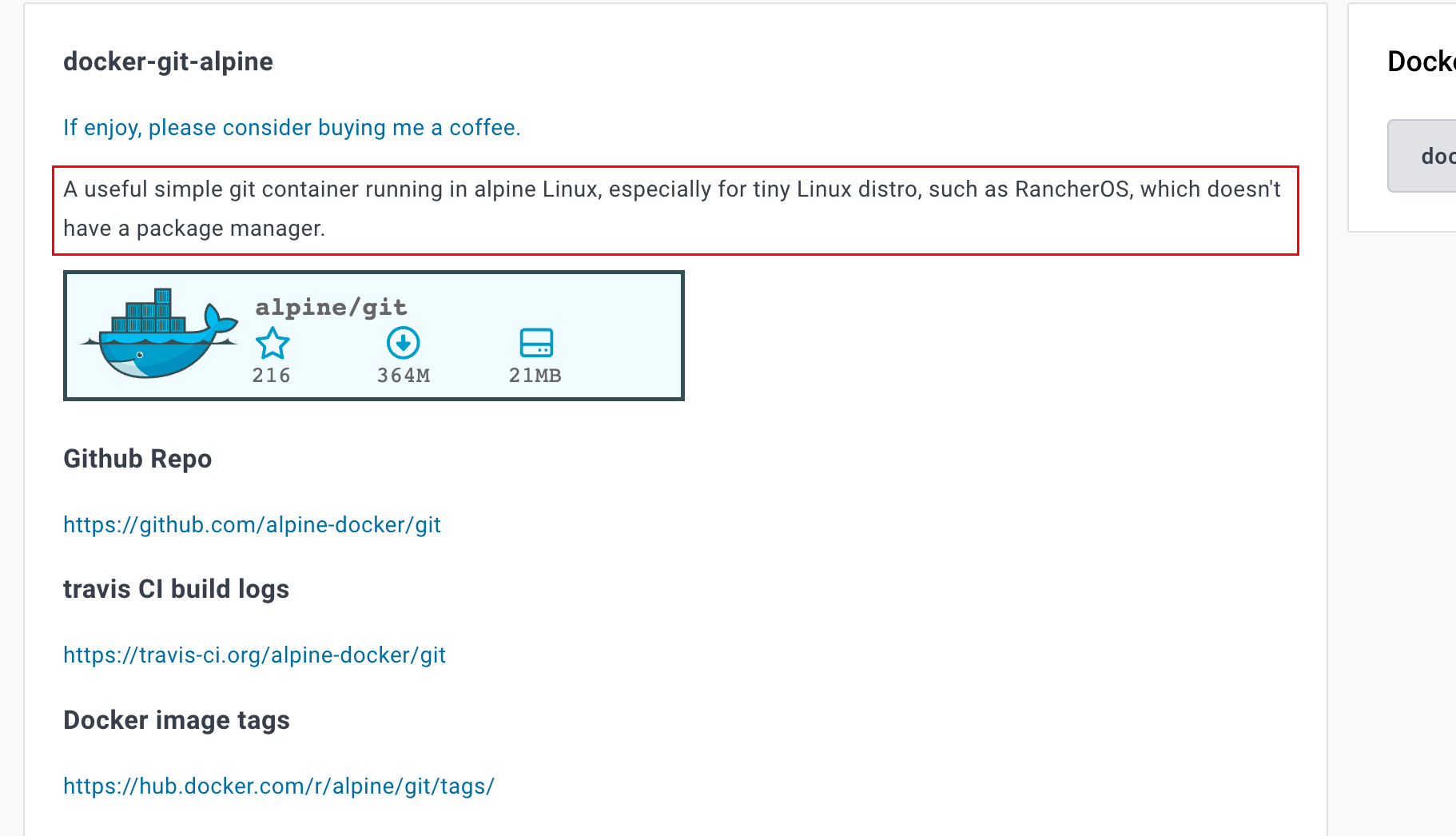
The page clearly states: A useful simple Git container running in Alpine Linux, especially for systems without package managers like RancherOS.
It's designed for situations where the package manager is poor or completely absent.
I'll translate the original tutorial here - it's very detailed.
I recommend using Option 1 - it's very simple.
Tutorial Translation
docker-git-alpine
A useful simple Git container running in Alpine Linux, especially for systems without package managers like RancherOS.
Github Repo
https://github.com/alpine-docker/git
Travis CI Build Logs
https://travis-ci.org/alpine-docker/git
Docker Image Tags
https://hub.docker.com/r/alpine/git/tags/
Usage
docker run -ti --rm -v ${HOME}:/root -v $(pwd):/git alpine/git <git command>
For example, if you want to clone a repository, you can directly execute:
docker run -ti --rm -v ${HOME}:/root -v $(pwd):/git alpine/git clone https://github.com/alpine-docker/git.git
Option 1:
For convenient direct Git usage, add a Git function to ~/.bashrc or ~/.profile:
function git () {
    (docker run -ti --rm -v ${HOME}:/root -v $(pwd):/git alpine/git "$@")
}
Then refresh environment variables with source ~/.profile
For example, to clone this repository, since you've configured this function in environment variables, you can run Git commands directly locally:
git clone https://github.com/alpine-docker/git.git
Option 2:
alias git="docker run -ti --rm -v $(pwd):/git -v $HOME/.ssh:/root/.ssh alpine/git"
Note:
- You need to redefine (re-run) this alias command between different repositories.
- You need to run this alias command from the Git repository root directory.
Example:
$ cd application
$ alias git="docker run -ti --rm -v $(pwd):/git -v $HOME/.ssh:/root/.ssh alpine/git"
$ git clone git@github.com:YOUR_ACCOUNT/YOUR_REPO.git
$ cd your-repo-path
$ alias git="docker run -ti --rm -v $(pwd):/git -v $HOME/.ssh:/root/.ssh alpine/git"
# Edit multiple files
$ git add .
$ git status
$ git commit -m "test"
$ git push -u origin master
Protocols
Supports git, http/https, and ssh
Reference: Git on the Server - The Protocols
Auto Build
Travis CI is set up to build monthly.
- Build with the latest Alpine image
- Build with the latest Git in Alpine image
- Generate new tags for this image
- Generate Git version as image tag
(v${GIT_VERSION})
- Update the latest tag for this image