Using JS to Read Excel and Render to Page
1. Final Result
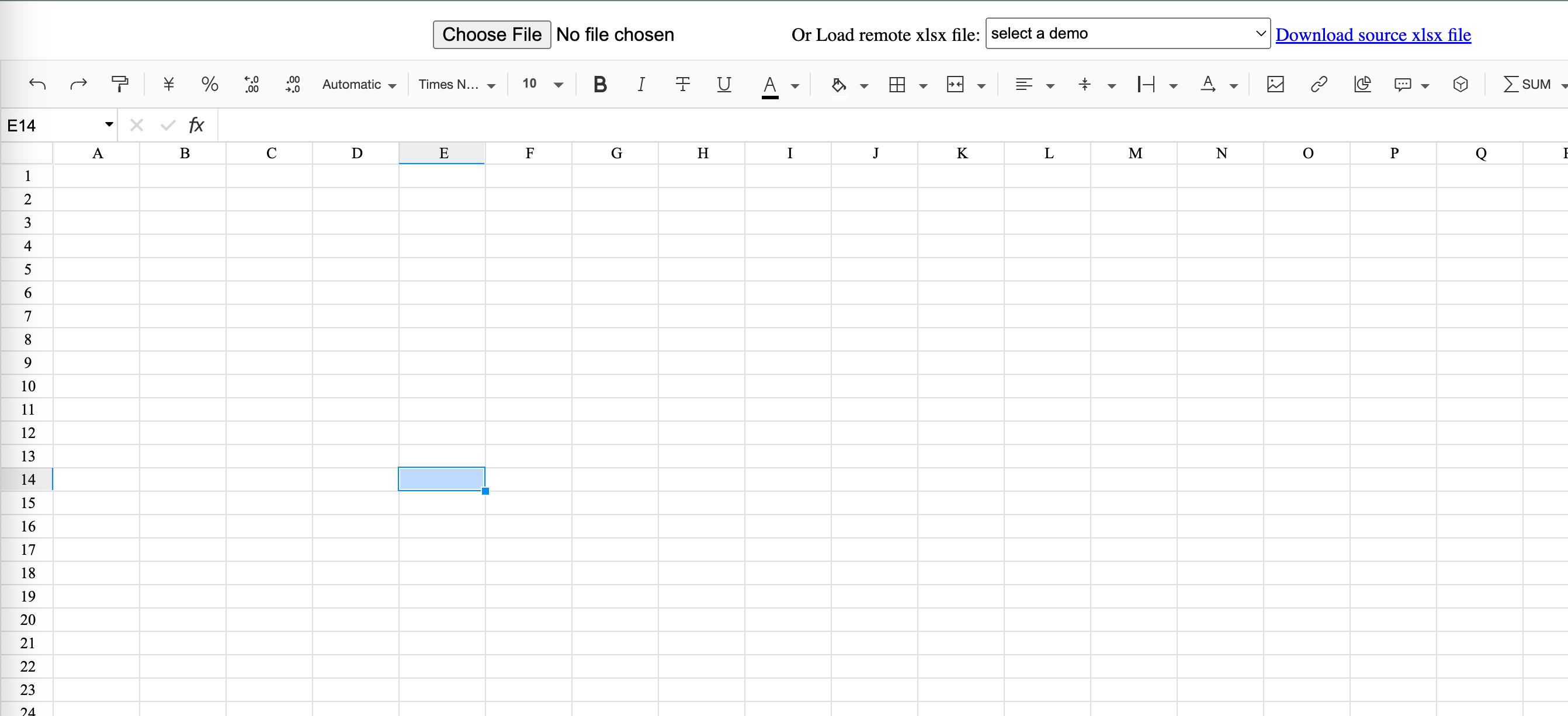
Try selecting a simple Excel file
Library used: Luckyexcel
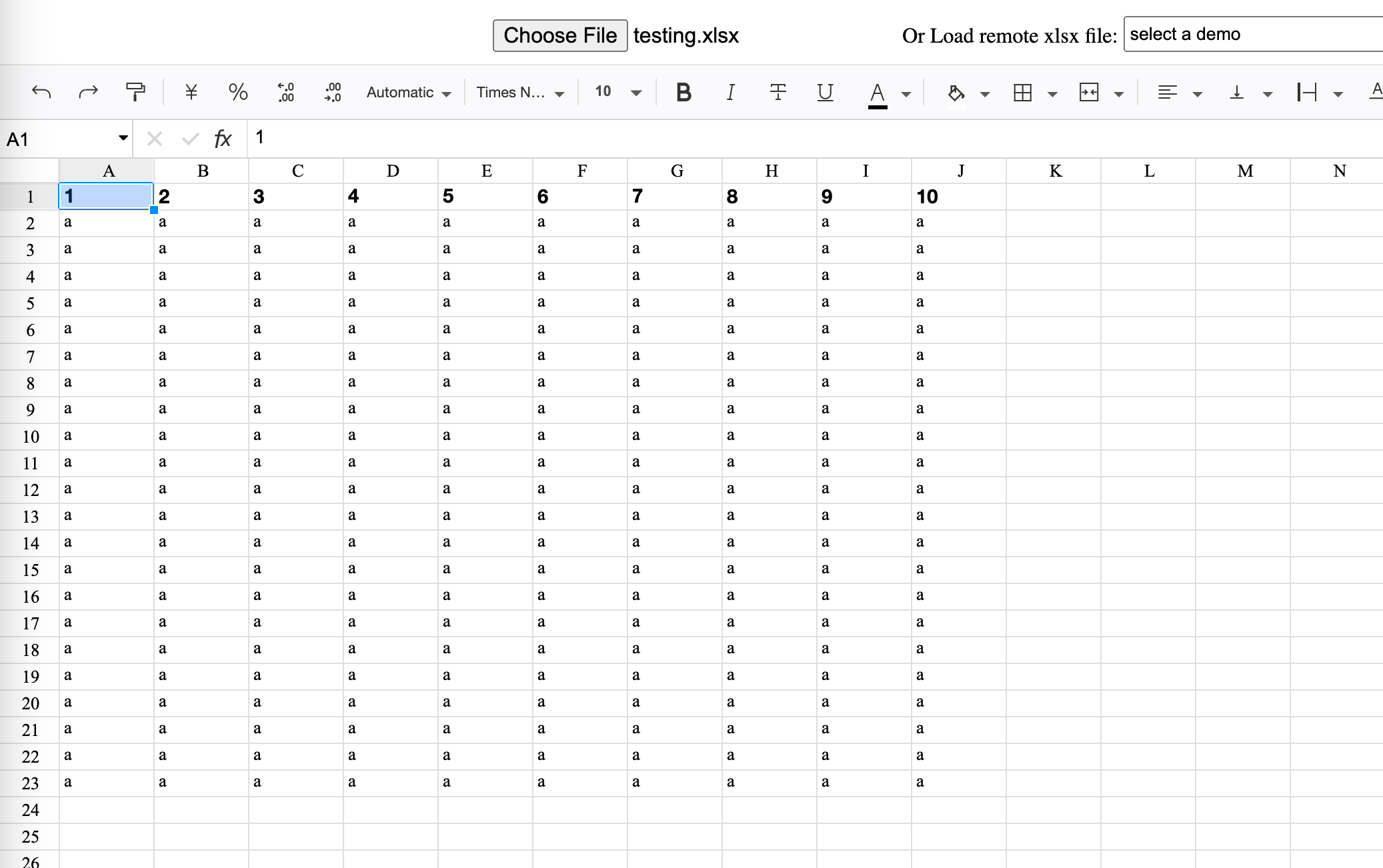
As you can see, it renders successfully. The next step is to customize the styling based on this.
2. Implementation
This feature relies on Luckysheet, which provides a pure frontend Excel-like online spreadsheet. It's quite powerful, supporting multi-user collaborative editing and Excel import/export.
Since this framework has already implemented this functionality, all we need to do is call the corresponding API.
The official documentation: LuckysheetDocs explains that we can use Luckyexcel to import Excel files.

A Simple Example:
Code source: https://github.com/dream-num/Luckyexcel/blob/master/src/index.html
Here I've only modified the CSS and JS references in the code.
<!DOCTYPE html>
<html lang="en">
<head>
    <meta charset="UTF-8">
    <title>Title</title>
  <link rel='stylesheet' href='https://cdn.jsdelivr.net/npm/luckysheet/dist/plugins/css/pluginsCss.css' />
  <link rel='stylesheet' href='https://cdn.jsdelivr.net/npm/luckysheet/dist/plugins/plugins.css' />
  <link rel='stylesheet' href='https://cdn.jsdelivr.net/npm/luckysheet/dist/css/luckysheet.css' />
  <link rel='stylesheet' href='https://cdn.jsdelivr.net/npm/luckysheet/dist/assets/iconfont/iconfont.css' />
  <script src="https://cdn.jsdelivr.net/npm/luckysheet/dist/plugins/js/plugin.js"></script>
  <script src="https://cdn.jsdelivr.net/npm/luckysheet/dist/luckysheet.umd.js"></script>
    <script src="https://cdn.jsdelivr.net/npm/luckyexcel/dist/luckyexcel.umd.js"></script>

    <script>
        $(function () {
            //Configuration item
            var options = {
                container: 'luckysheet', //luckysheet is the container id
                showinfobar:false,
            }
            luckysheet.create(options)
        });
    </script>
</head>
<body>
<!-- Full implementation code available in the original -->
</body>
</html>