Fixing NextUI Style Issues When Deploying to Cloudflare
Problem Reproduction
Following the NextUI official tutorial step by step, I found that when using npm run dev, the page styles are correct:

But after using npm run build, I saw the generated static HTML in the .next/server/app/ directory. Opening it directly showed style errors:
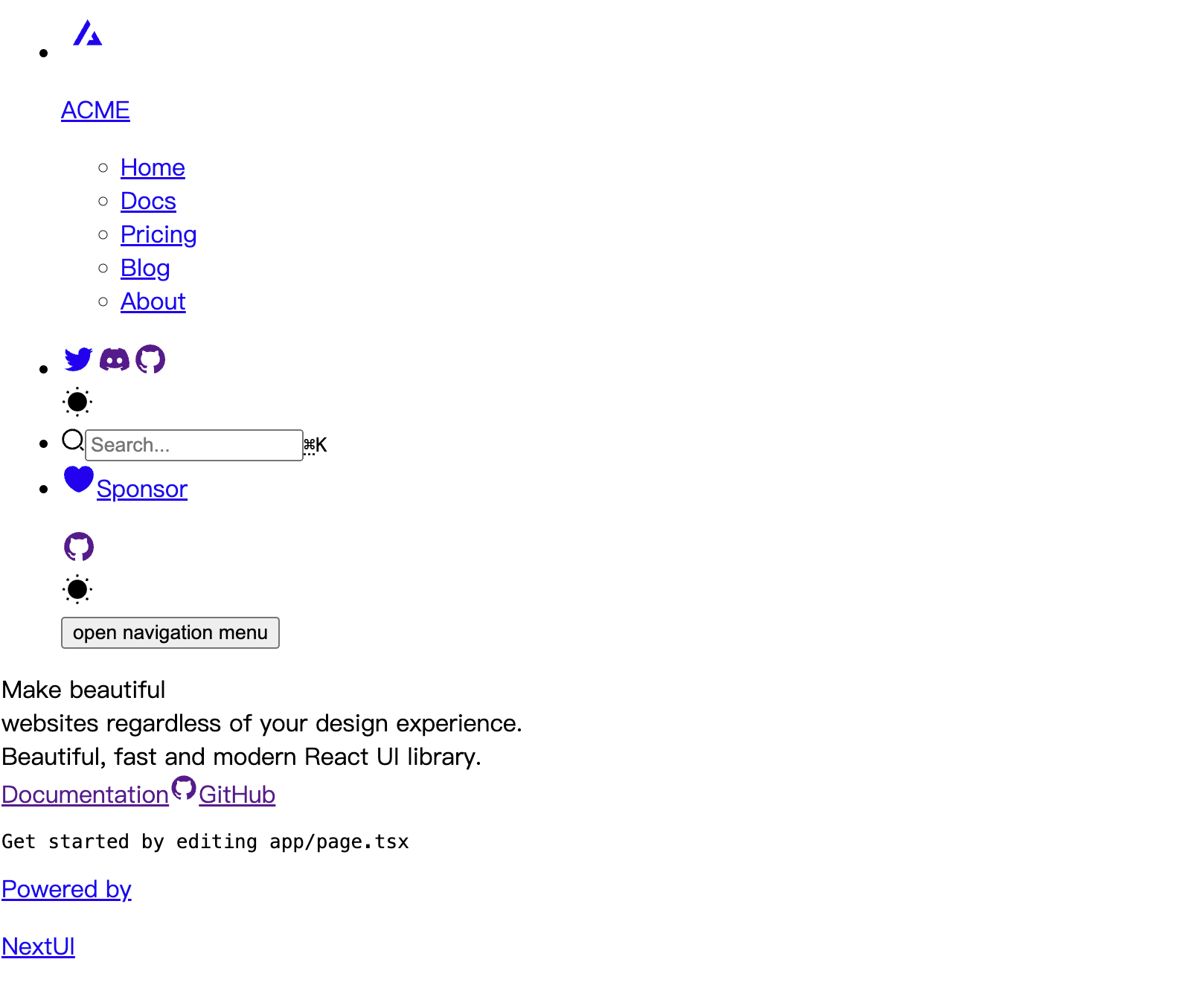
The NextUI documentation doesn't mention anything about the build process, and I couldn't find similar issues in GitHub issues.
Solution
Later I realized NextUI actually uses Next.js, so I should look for solutions for next.js deploy to cloudflare. Sure enough, Cloudflare has documentation:
deploy a static site Next.js project with static exports ↗.
According to the documentation, if you want to deploy as a static site on Cloudflare:
Add configuration to your next.config.js
/**
 * @type {import('next').NextConfig}
 */
const nextConfig = {
  output: 'export',
  // Optional: Change links `/me` -> `/me/` and emit `/me.html` -> `/me/index.html`
  // trailingSlash: true,

  // Optional: Prevent automatic `/me` -> `/me/`, instead preserve `href`
  // skipTrailingSlashRedirect: true,

  // Optional: Change the output directory `out` -> `dist`
  // distDir: 'dist',
}

module.exports = nextConfig
Then deploy your app with Cloudflare using these settings:
| Configuration option | Value |
|---|---|
| Production branch | main |
| Build command | npx next build |
| Build directory | out |
Corresponding Cloudflare configuration:

Redeploy and it works!!!