Deleting Channels in Mattermost
1. Modify Configuration
First, modify the configuration as documented before you can delete channels.
https://api.mattermost.com/#tag/channels/operation/UpdateChannel
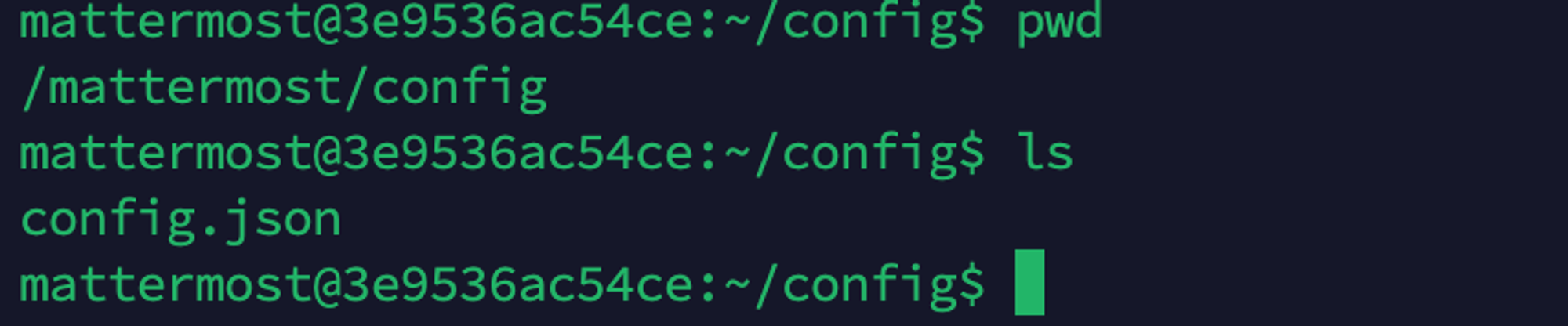
Set ServiceSettings.EnableAPIChannelDeletion to true in config.json.
2. Login and Delete Using Commands
Login command:
mmctl auth login http://localhost:8065
Then use the command to delete. Remember to concatenate the team and channel names:
mmctl channel delete m-one:test --confirm

3. References
[Solved] Error: cannot read user credentials, maybe you need to use login first