Converting Gradle Project to Maven Project (Gradle 7+), Solving 'Plugin with id maven not found'
1. Using Maven Publishing Plugin to Generate pom.xml
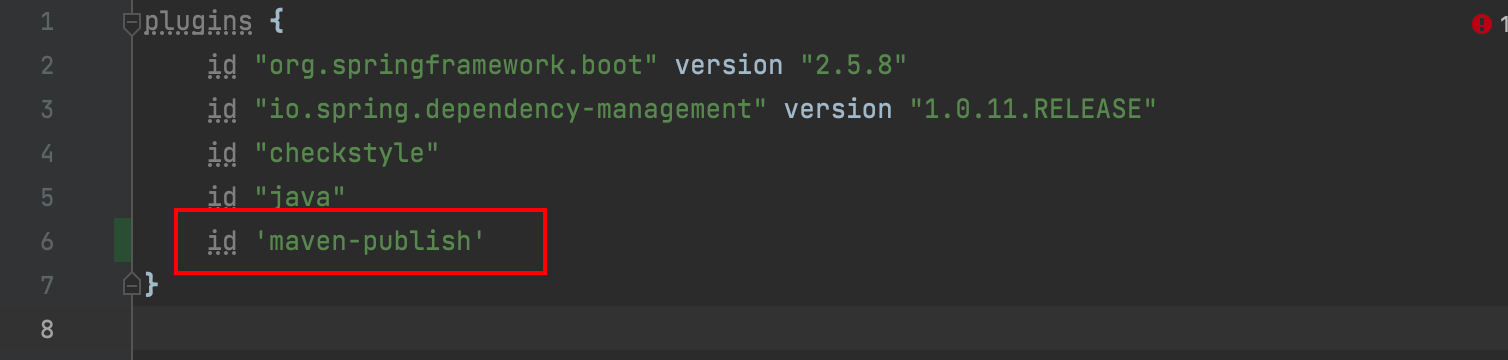
1.1 Add maven-publish to plugins
id 'maven-publish'
1.2 Add publishing configuration
publishing {
    publications {
        maven(MavenPublication) {
            groupId = 'org.gradle.sample'
            artifactId = 'library'
            version = '1.1'

            from components.java
        }
    }
}
1.3 Publish to Maven Local
Click on Gradle in the right panel of IDEA, then select 'publishToMavenLocal'.
This will generate the corresponding jar in your local Maven repository. Find library-1.1.pom.
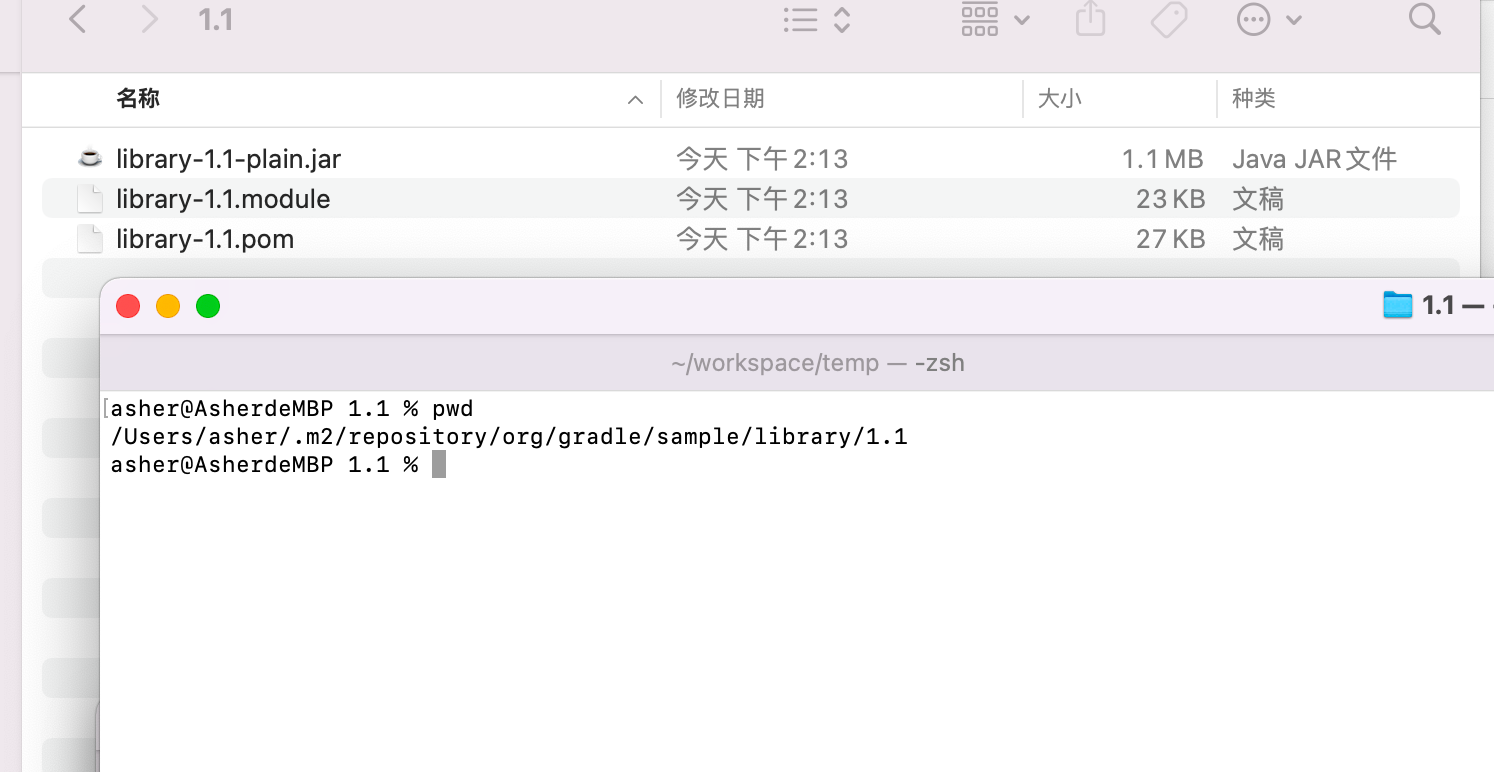
Rename this file to pom.xml and place it in the project root directory to complete the conversion from Gradle to Maven project.
Some fine-tuning may still be needed.