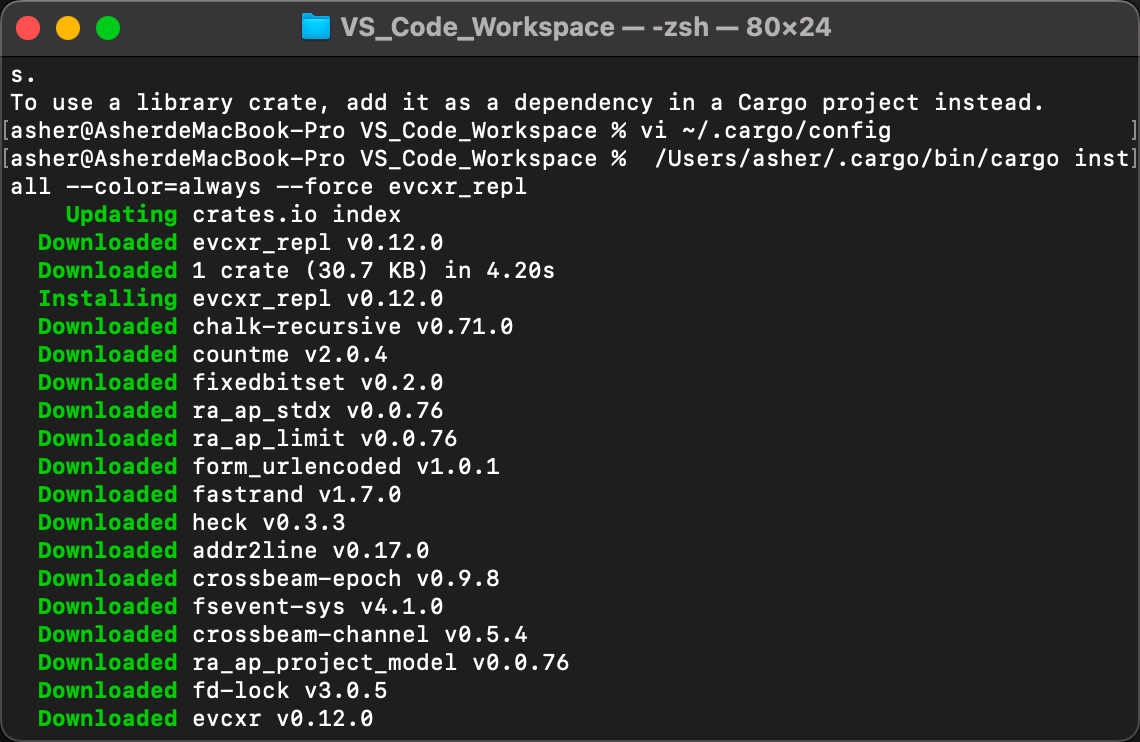
Solving Cargo /Users/asher/.cargo/bin/cargo install --color=always --force evcxr_repl Issue
Solving /Users/asher/.cargo/bin/cargo install --color=always --force evcxr_repl Issue
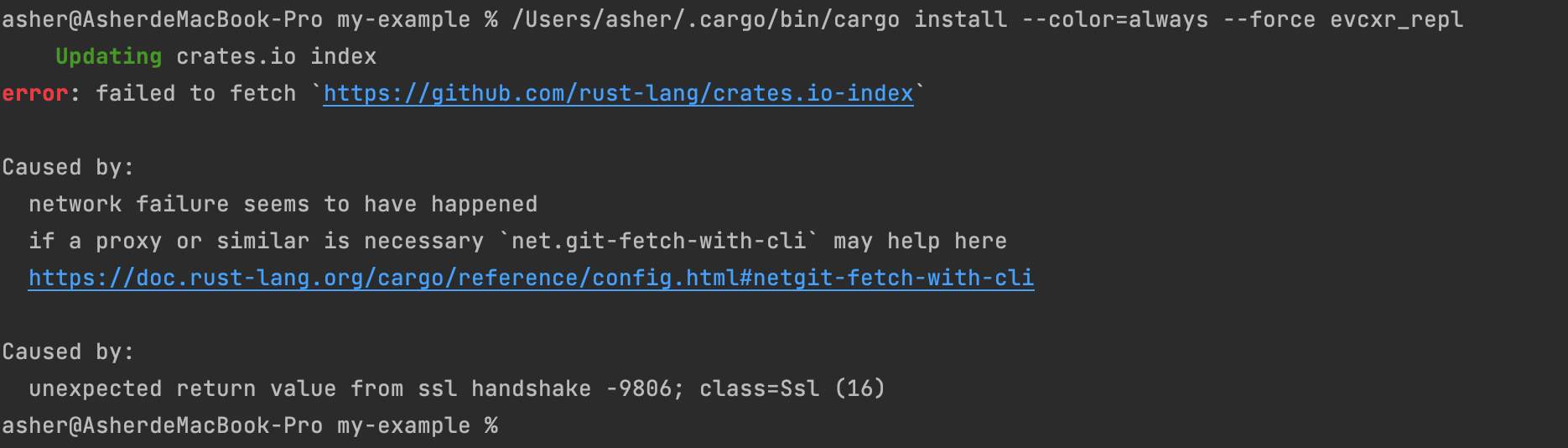
Solution 1 - Configure Proxy
If you have a proxy like ClashX installed locally, open settings to see the proxy port.
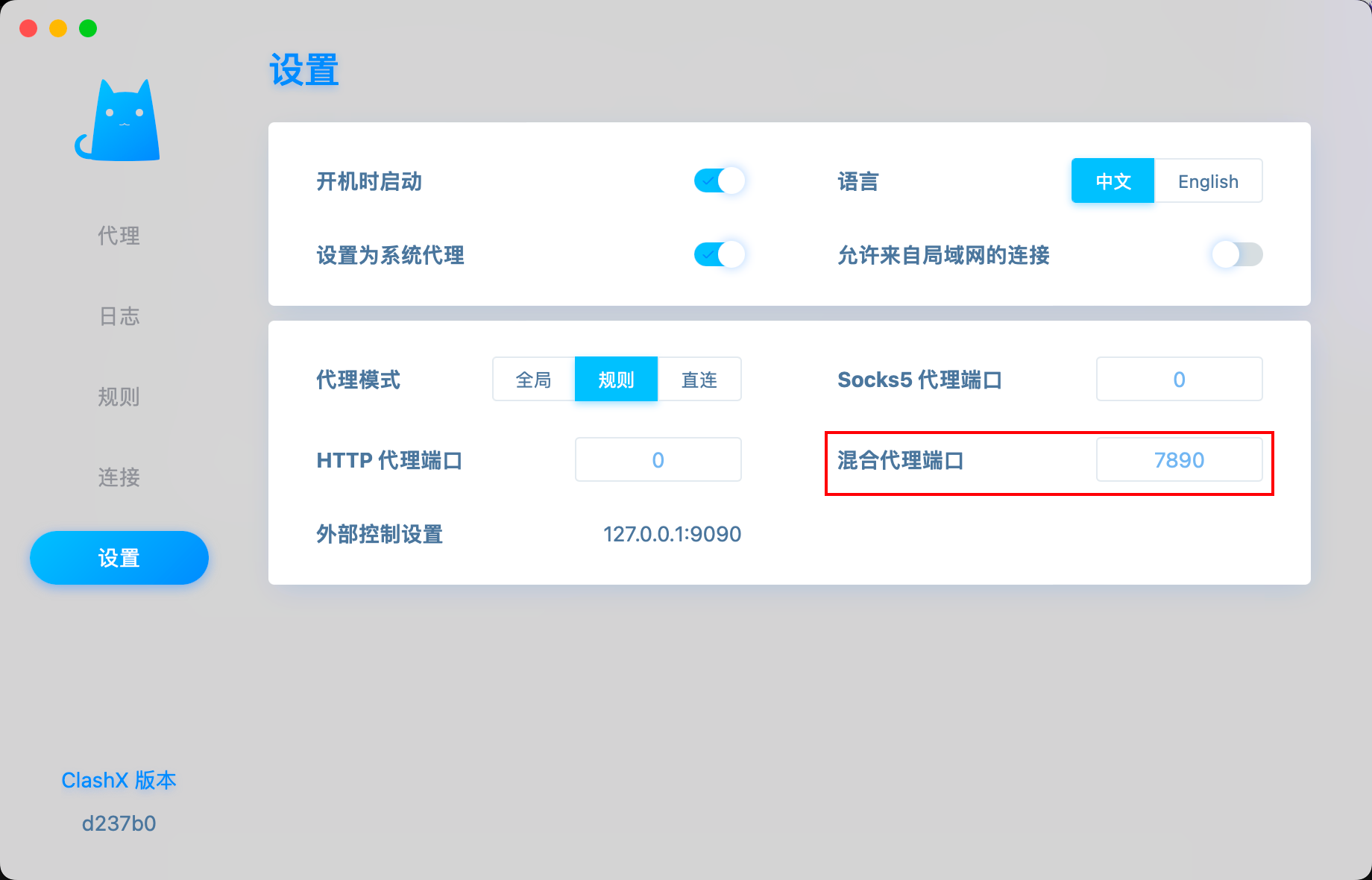
Create cargo config:
vim ~/.cargo/config
Add your local proxy:
[http]
proxy = "127.0.0.1:7890"
[https]
proxy = "127.0.0.1:7890"
Then run install again and you'll experience blazing fast speeds!
Solution 2 - Change Download Repository
Modify the download repository:
[source.crates-io]
registry = "https://github.com/rust-lang/crates.io-index"
replace-with = 'ustc'
[source.ustc]
registry = "git://mirrors.ustc.edu.cn/crates.io-index"